Activity Bar
The activity bar sits at the bottom of the studies list panel. It displays transient messages about completed and in-progress operations, providing feedback about what the application is doing.
Activity Messages
The activity bar shows brief messages when operations complete, such as:
- Generation completion notifications
- Save confirmations
- Study copy confirmations
These messages appear automatically and update as you perform actions throughout the application.
Viewing the Activity Bar
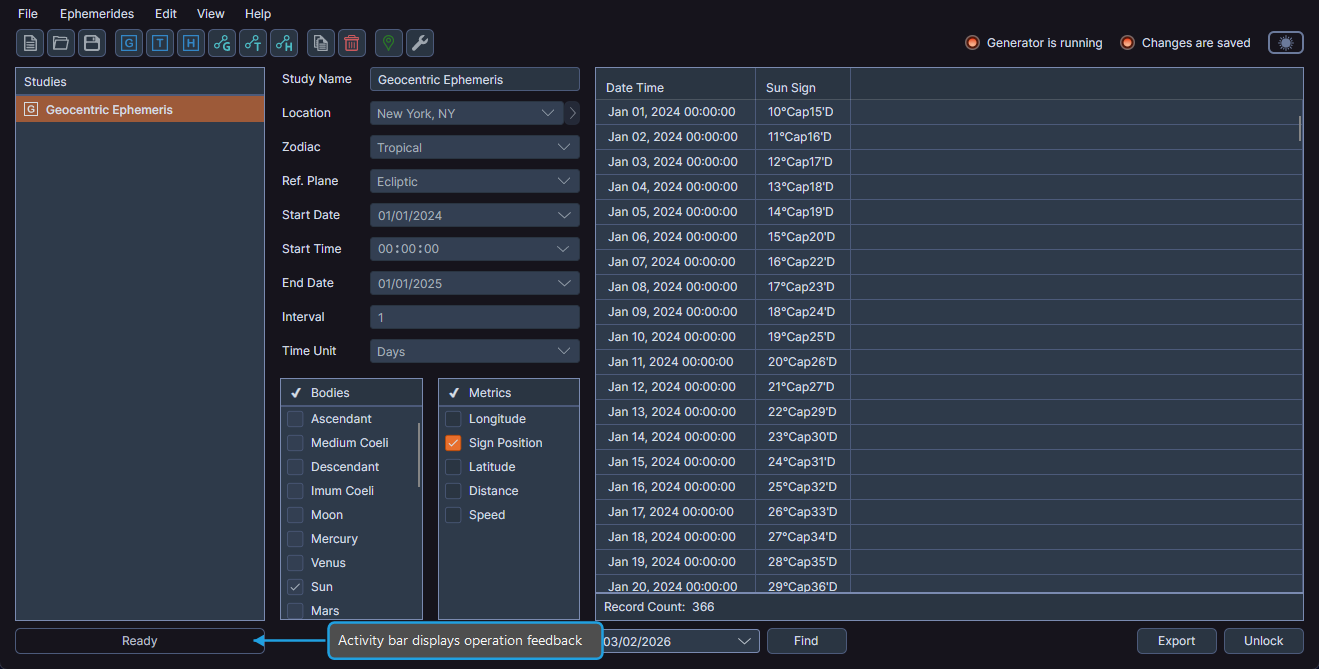
- Observe the activity bar at the bottom of the studies list panel.
The activity bar requires no interaction -- it displays information automatically based on your actions within Cygnus.