Cancel Record Generation
If a study is taking longer than you want, you can stop it before it finishes. The Cancel button and the progress indicator are shown only while a study is generating records.
To stop an in-progress generation:
- Click the Cancel button while the study is generating records.
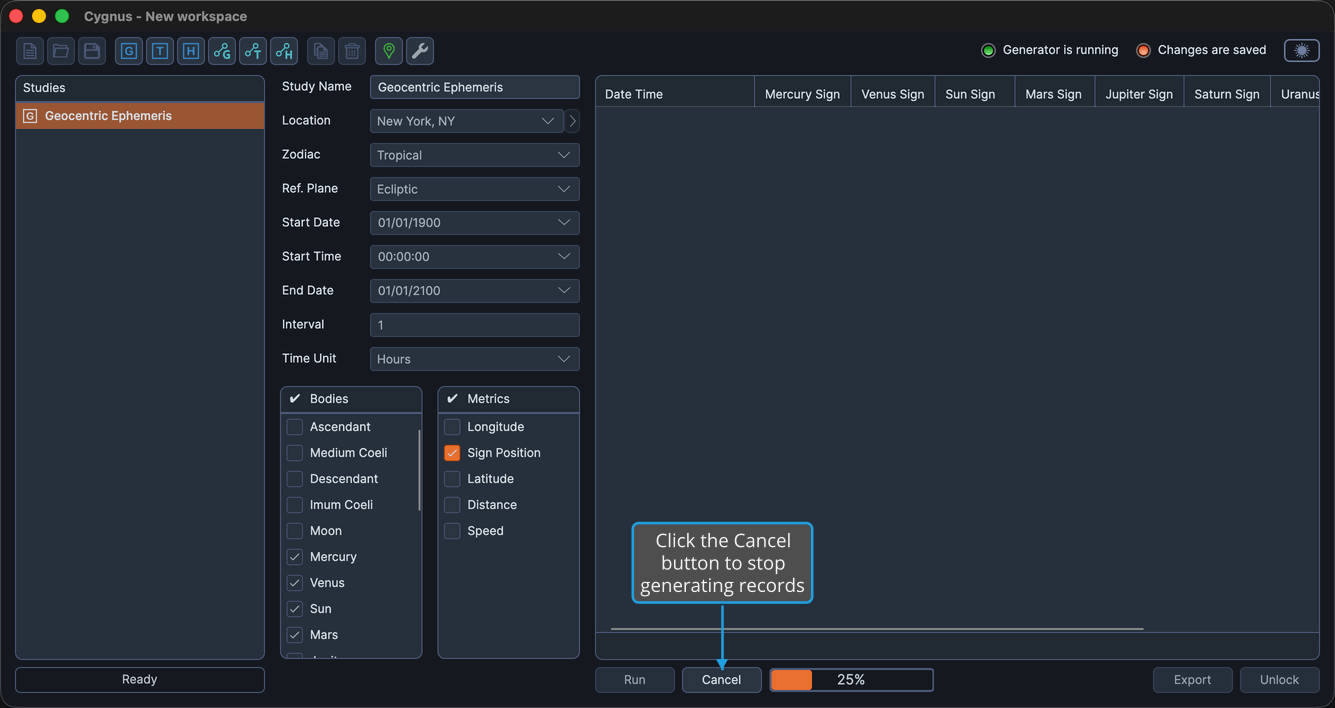
Generation halts, the Cancel button and progress indicator disappear, and the Run button reappears so you can adjust the study and generate it again.