Generate Study
Generating a study produces its ephemeris records, one row for each step across the study's date range, and fills the ephemeris table.
Before you generate a study, configure its settings, bodies, and metrics. A location is required, because each record's date and time are shown in the location's time zone.
To generate a study's records:
- Click the Run button below the ephemeris table.
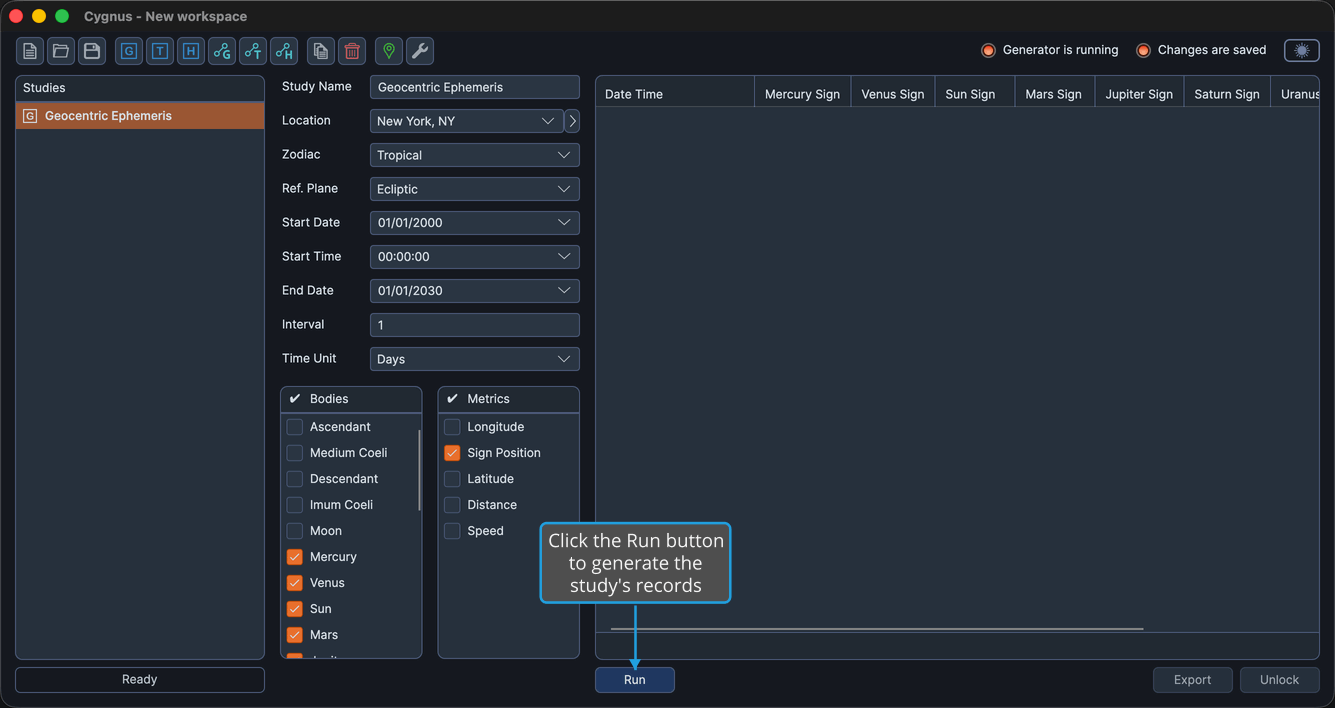
While the study generates, a progress indicator shows how far along it is, and a Cancel button lets you stop it. See Cancel Record Generation.
When generation finishes, the study is locked and the Run button is hidden. To change the study's parameters and generate it again, unlock it first; the Run button reappears once the study is unlocked. See Unlock Study.