Basic Ephemeris Settings
The basic ephemeris settings are the block of three settings directly under the Study Name on every study editor: Location, Zodiac, and Ref. Plane. Together they anchor the study to a place on Earth and to the conventions its positions are expressed in.
Every field already shows its current value, taken from the workspace defaults when the study was created, so you change only the settings you want to adjust:
- Observing place: the Location dropdown anchors the study to a geographic point and fixes the time zone its record dates and times are expressed in.
- Coordinate conventions: the Zodiac and Ref. Plane dropdowns govern the zodiac the positions are expressed in and the plane they are measured against.
All three are plain dropdowns. Open the list and select a value, or move through it with the arrow keys. They do not accept typed text to filter.
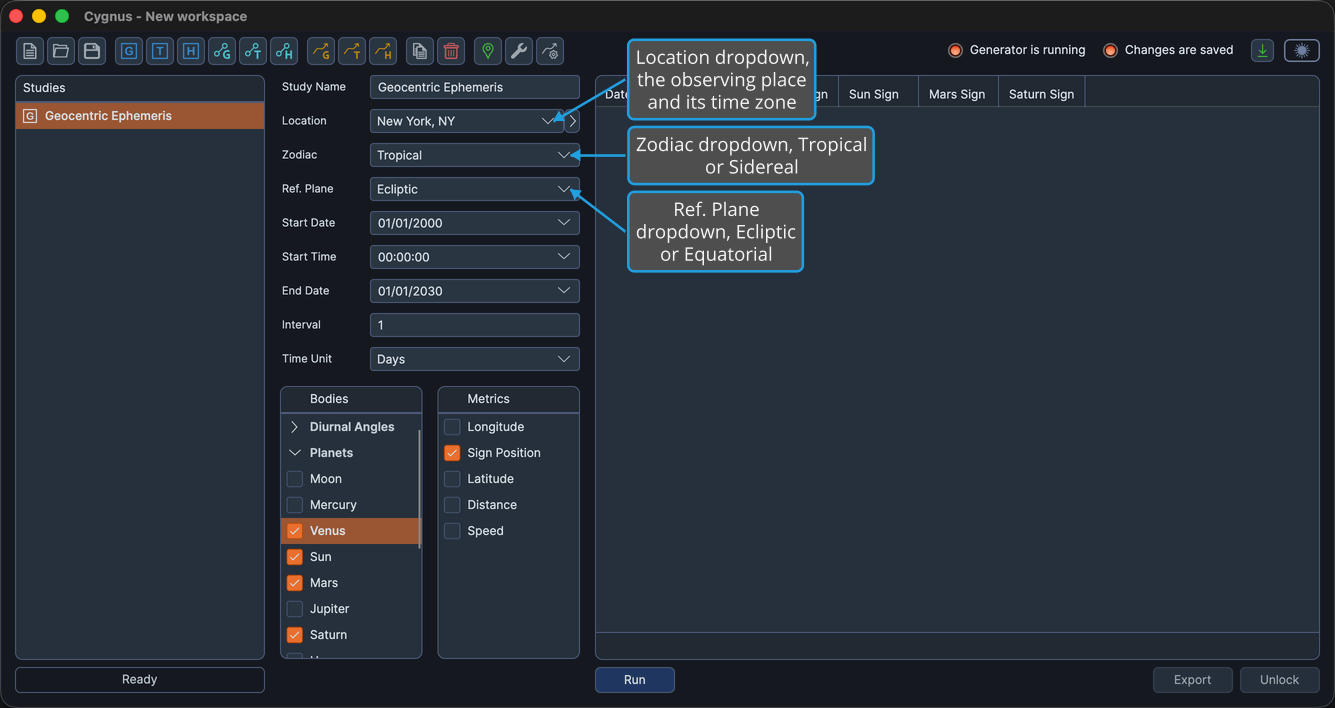
You must choose a location for every study type, including geocentric and heliocentric ones. Even where a location is not needed to compute the positions themselves, Cygnus calculates and displays each record's date and time in the location's time zone, so no ephemeris can be produced without one.
All three settings are disabled once a completed generation locks the study. To change them, unlock the study first.
Location
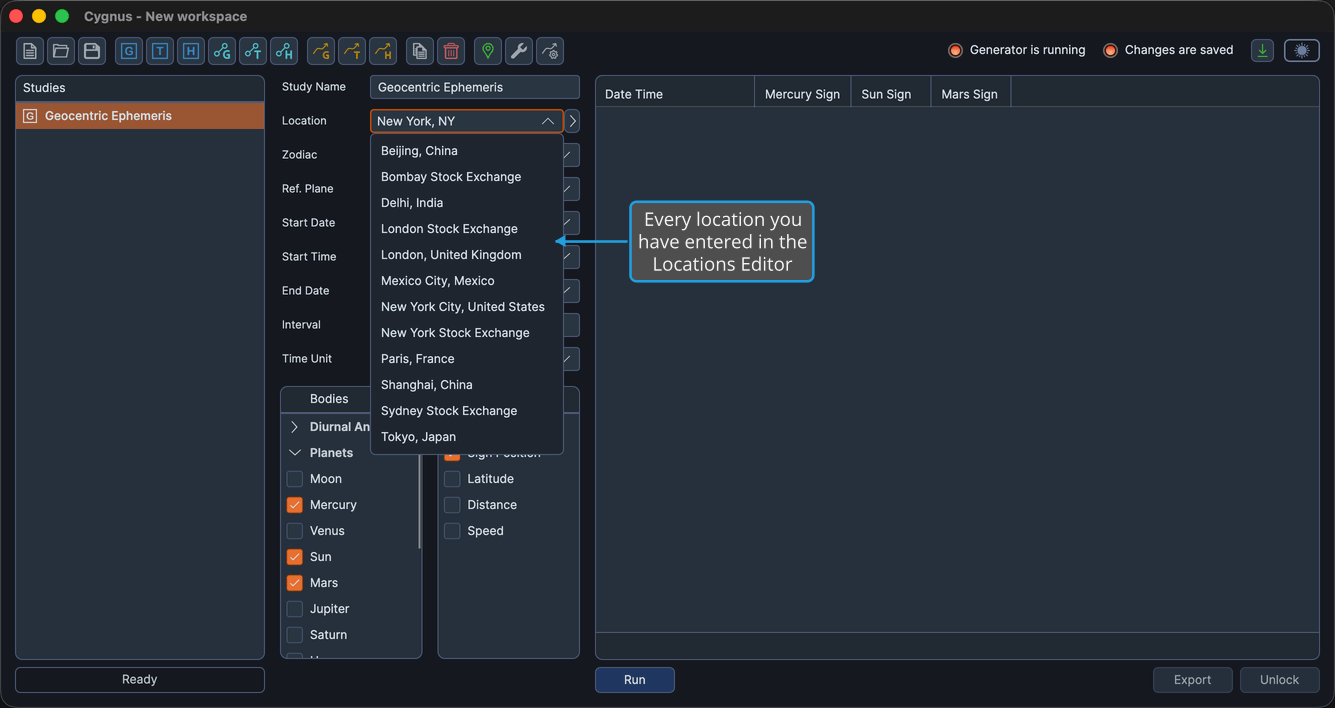
The Location dropdown lists the places you have entered yourself. Each one carries a name, a latitude, a longitude, and a height, and the dropdown shows the name.
You maintain the list in the Locations Editor, where you can add places one at a time or bring a whole set in with Import Locations. The list is shared by every study in every workspace, so a place you add once is immediately selectable everywhere.
Reference System
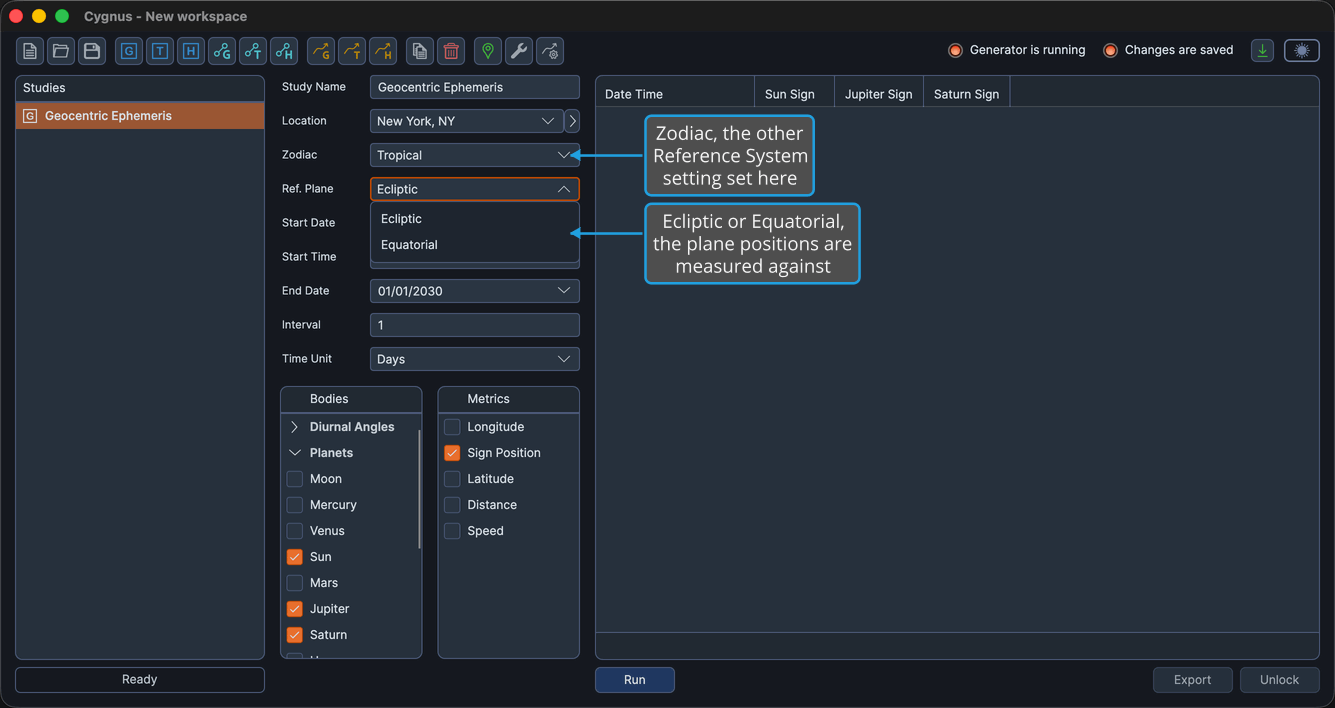
The Zodiac, the coordinate origin, and the reference plane are collectively the study's Reference System. Two of them are set here; the third, the coordinate origin, is fixed by the study type you created, which is why geocentric, topocentric, and heliocentric studies are separate types rather than a setting on one type.
| Setting | Options | What it decides |
|---|---|---|
| Zodiac | Tropical, Sidereal | The zodiacal system that positions are expressed in. |
| Ref. Plane | Ecliptic, Equatorial | The plane that positions are measured against. |
The reference plane also renames the measurements you can report. Under an Ecliptic reference plane the positional metrics read Longitude and Latitude; choose Equatorial and the same two metrics read Right Asc and Declination, both in the Body Metrics List and in the ephemeris table's column headers.
Ephemeris Presets
A small chevron button sits at the right of the Location row. It opens the ephemeris presets menu, which saves and reapplies these settings in one gesture. This block exposes three controls, Location, Zodiac, and Ref. Plane, but a preset stores four values: it also carries the coordinate origin, which the study type fixes and you do not set here. See Ephemeris Presets.