Locations Editor
The Locations Editor is a dialog for managing the collection of geographic locations used throughout Ephy. Locations include geographic coordinates and timezone information, and Ephy shares them across all studies in every workspace.
Opening the Locations Editor
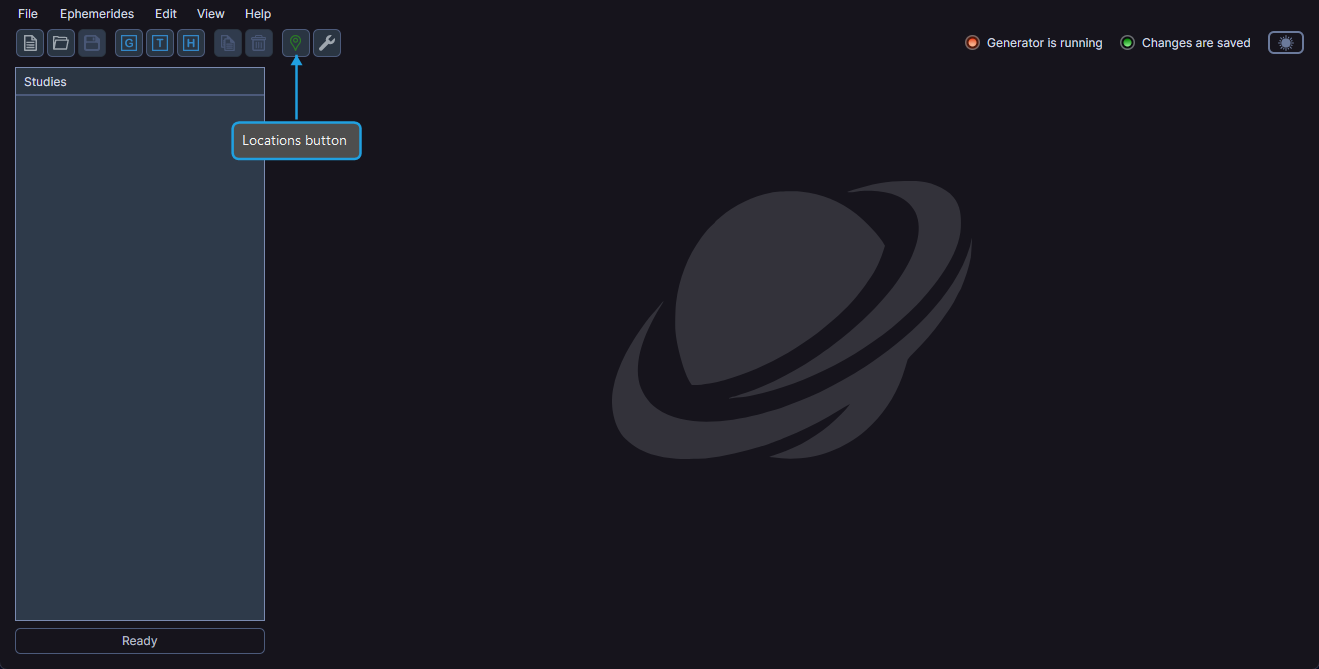
- Click the Locations toolbar button or select Edit > Locations from the menu.
Managing Locations
Within the Locations Editor dialog, you can:
- Add a new location with its geographic coordinates and timezone.
- Edit an existing location to update its details.
- Remove a location you no longer need.
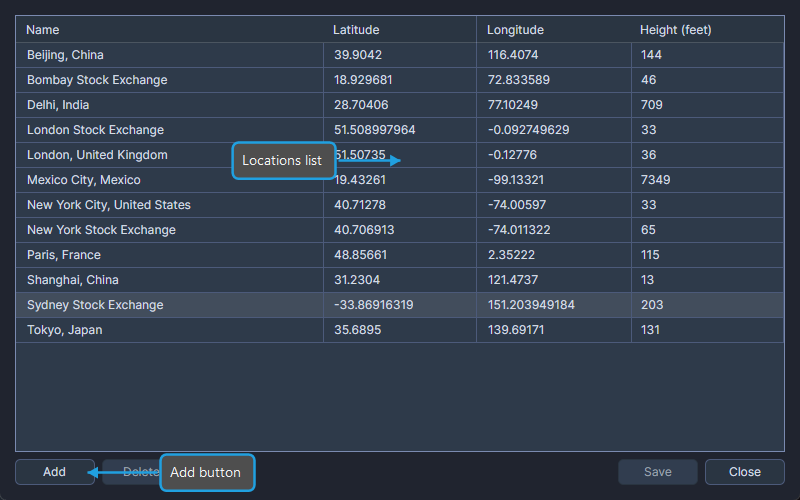
Locations persist across sessions, so any location you add is available every time you open Ephy.
info
The Location dropdown in every study type draws from these locations. Adding locations here makes them available for selection when configuring geocentric, heliocentric, and topocentric ephemeris studies, as well as in the Default Settings Editor.