Copy Study
Copying a study creates a duplicate with all of the original study's parameter settings. Ephy names the copy with "(copy)" appended to the original name and clears any generated records from the copy, allowing you to modify parameters and generate fresh results.
Copying a Study
- Click the Copy Study toolbar button, select Edit > Copy Study, or right-click the study in the studies list and select Copy.
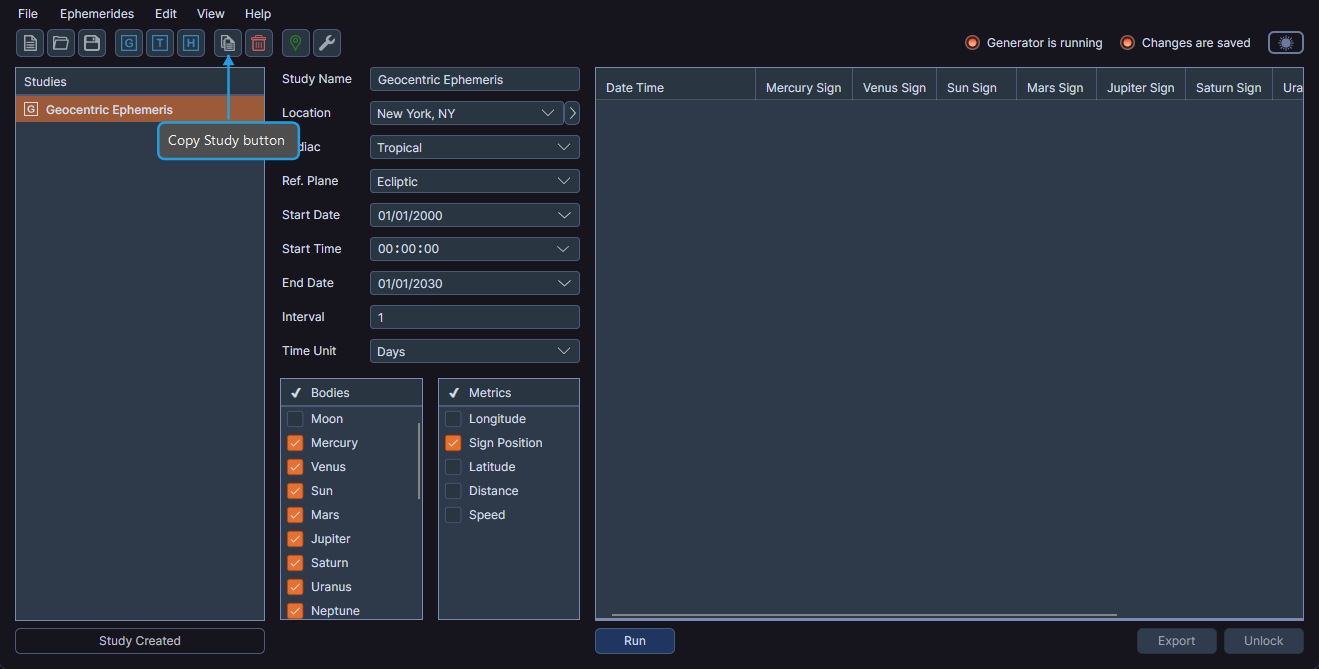
The duplicated study appears in the studies list panel and is automatically selected.
tip
Copying a study is a quick way to create a new study with similar settings. Make a few adjustments to the copy and generate new results without configuring everything from scratch.