Delete Study
Deleting a study permanently removes it from the workspace. A confirmation dialog ensures you do not delete a study accidentally.
Deleting a Study
To delete a study:
- Click the Delete Study toolbar button, select Edit > Delete Study, or press the Delete key.
- Click Yes to confirm the deletion.
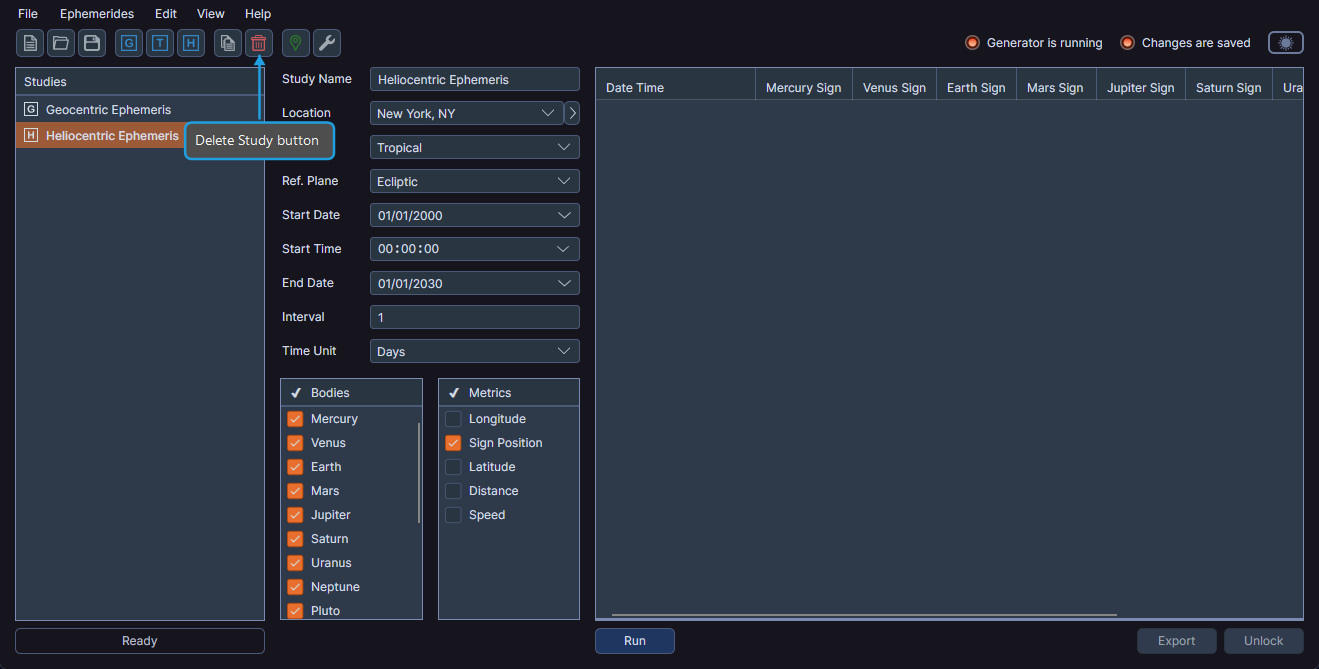
Ephy removes the study from the workspace and automatically selects the previous study in the list.
tip
You can also delete a study by right-clicking it in the studies list panel and selecting Delete from the context menu.
warning
Deleting a study cannot be undone. All parameter settings and generated records for the study are permanently removed.