Update Notification
The update notification is a download button that appears at the top-right of the main window, immediately to the left of the theme toggle, when a newer version of Ephy is available. Its tooltip describes the available update, and clicking it opens the download page. When no update is available, the button is hidden.
Getting the Update
When the update button is visible:
- Click the update button at the top-right of the window.
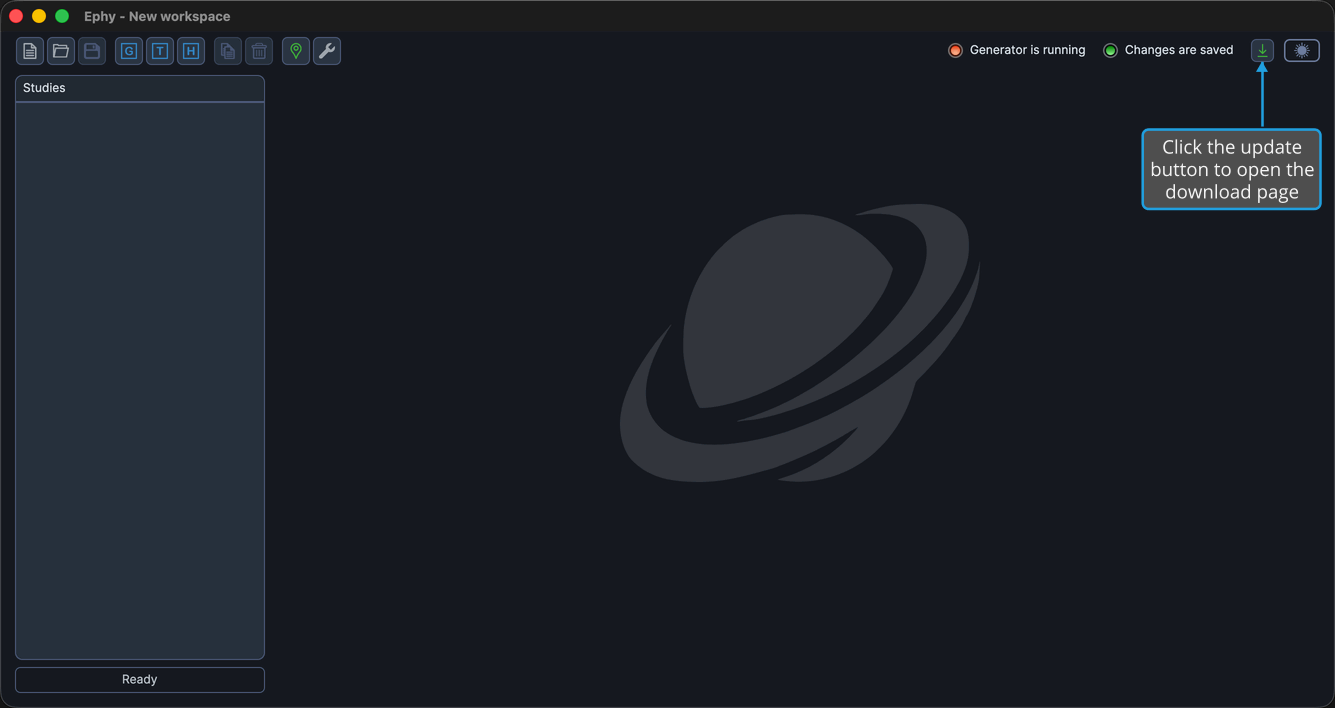
The download page opens in your default web browser, where you can get the newer version.