Theme Toggle
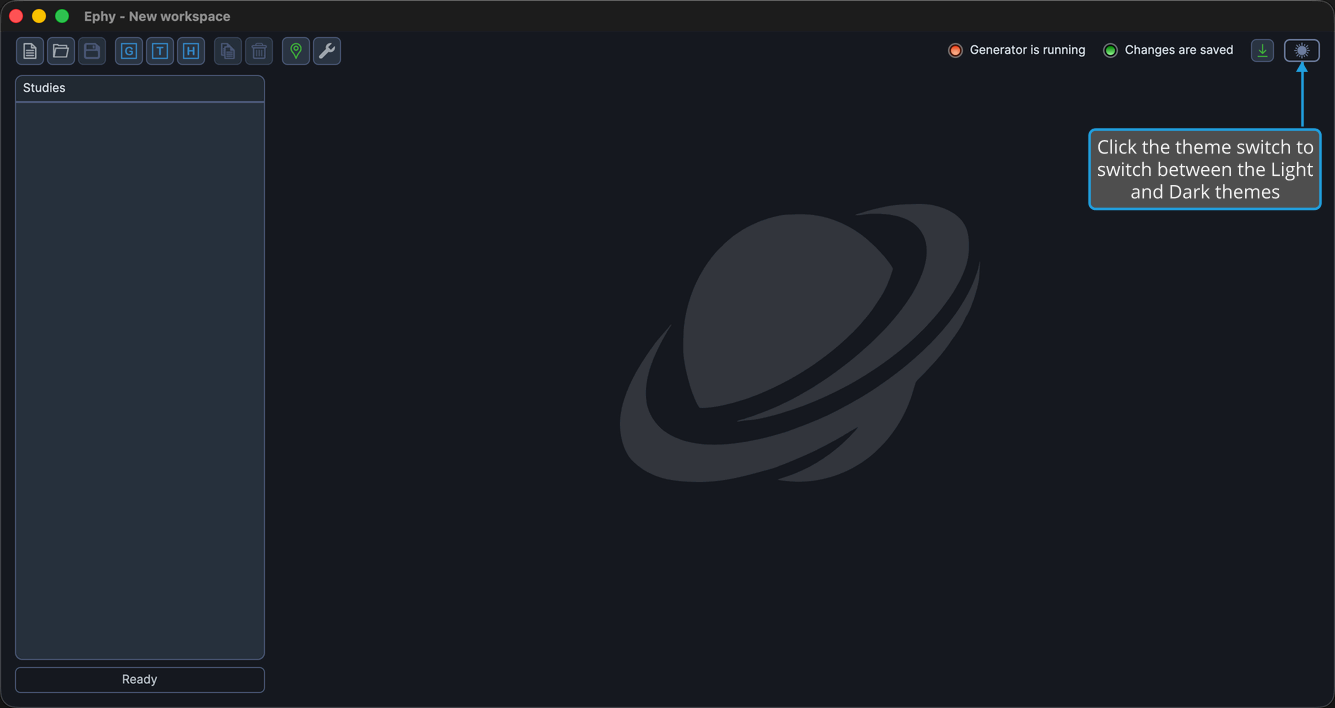
The theme toggle switches Ephy between the Light and Dark themes to suit your environment. The theme switch sits at the top-right of the main window, and the same command is available from the View menu. When you switch themes, the window icon updates to match, and your preference is saved for the next time you open Ephy.
Switching the Theme
To switch between the Light and Dark themes:
- Click View → Toggle Theme on the menu bar.
You can also click the theme switch at the top-right of the window to toggle the theme directly.