Exit Application
Exiting closes Ephy. If the current workspace has unsaved changes, Ephy prompts you to save them before the application closes, so you never lose work by accident.
Closing the Application
To close Ephy:
- Click File → Exit on the menu bar.
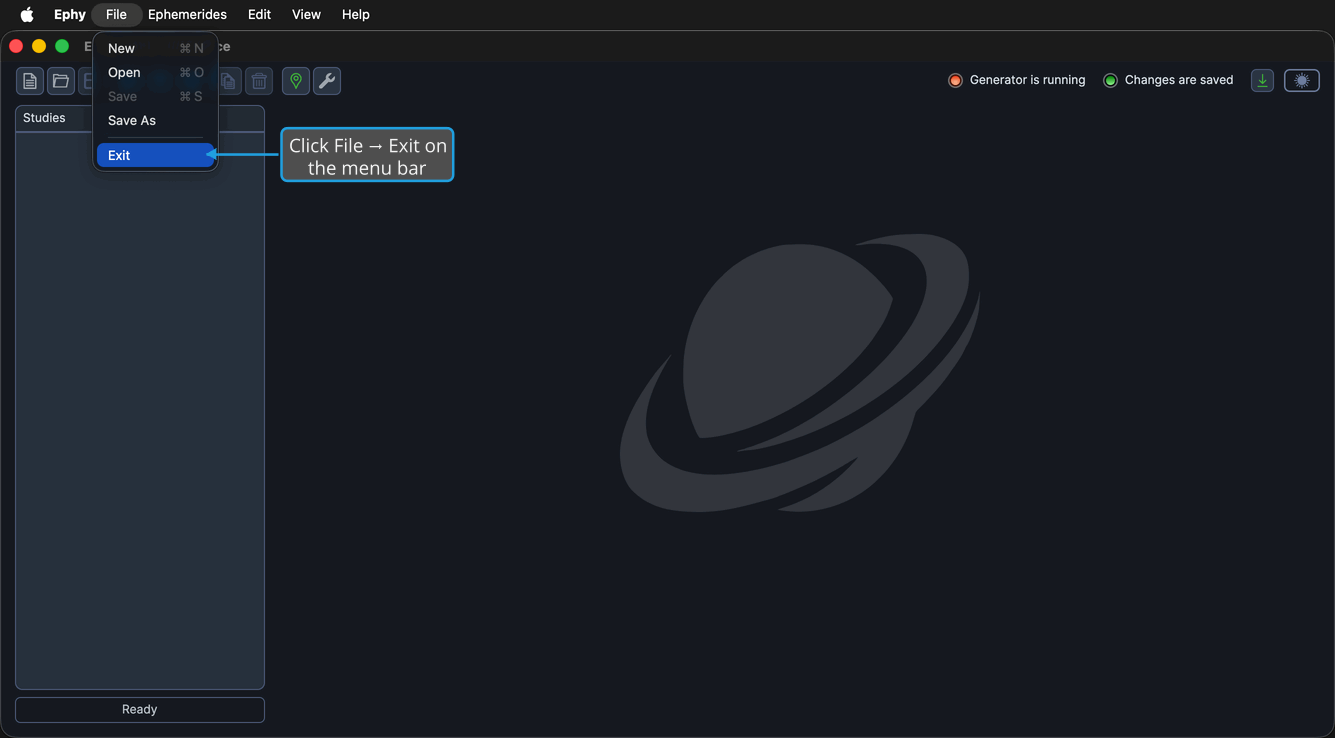
You can also close the window with its title-bar close button, or press Alt+F4 on Windows or Cmd+Q on macOS.
note
If the workspace has unsaved changes, the Unsaved Changes prompt appears first so you can save, discard, or cancel. See Save from the Unsaved Changes Prompt for how to respond.