Save Workspace
Saving writes the current workspace and all of its studies to disk so you can return to them later. Save writes to the current file, and Save As always writes to a new file name and location that you choose.
Saving the Workspace
To save the current workspace:
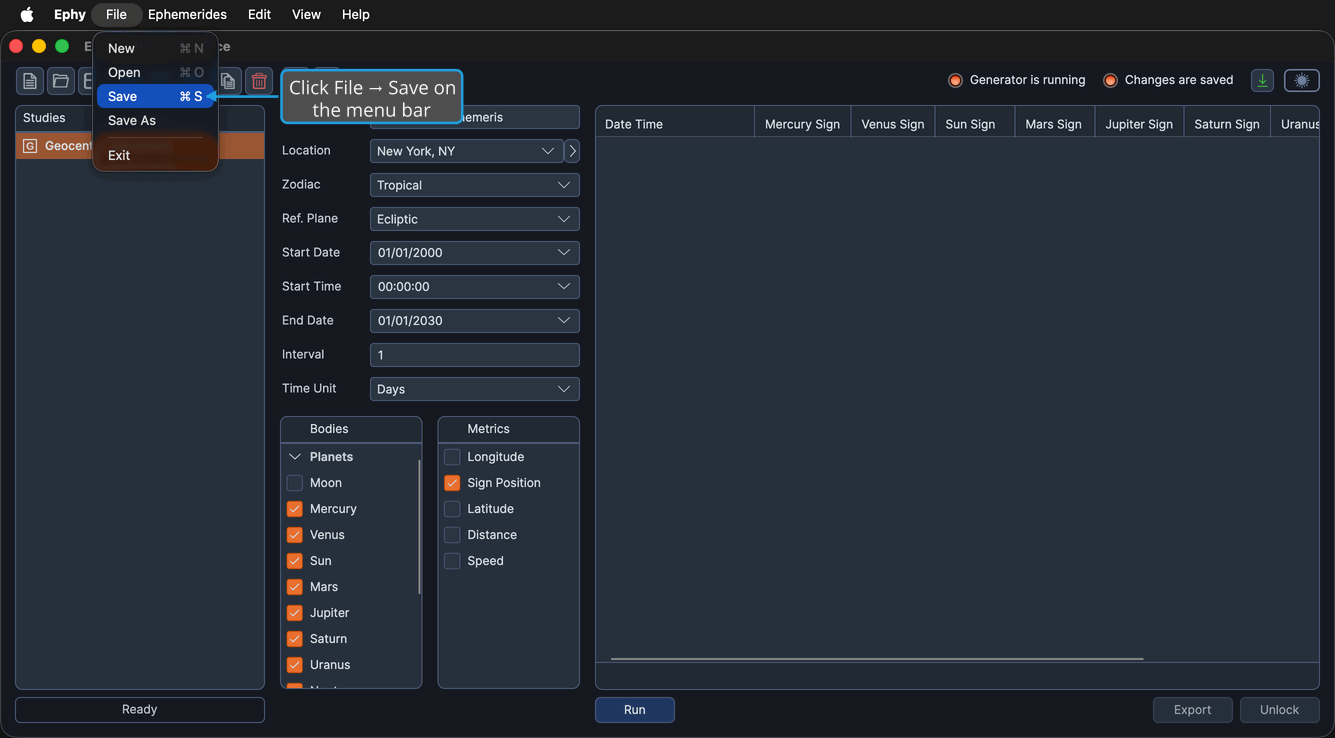
- Click File → Save on the menu bar.
You can also click the Save workspace button on the toolbar, or press Ctrl+S (Cmd+S on macOS). The first time you save a new workspace, Ephy prompts you to choose a file name and location.
Saving to a New File
To save the workspace under a new name or location:
- Click File → Save As on the menu bar.
- Choose a file name and location in the Save dialog.
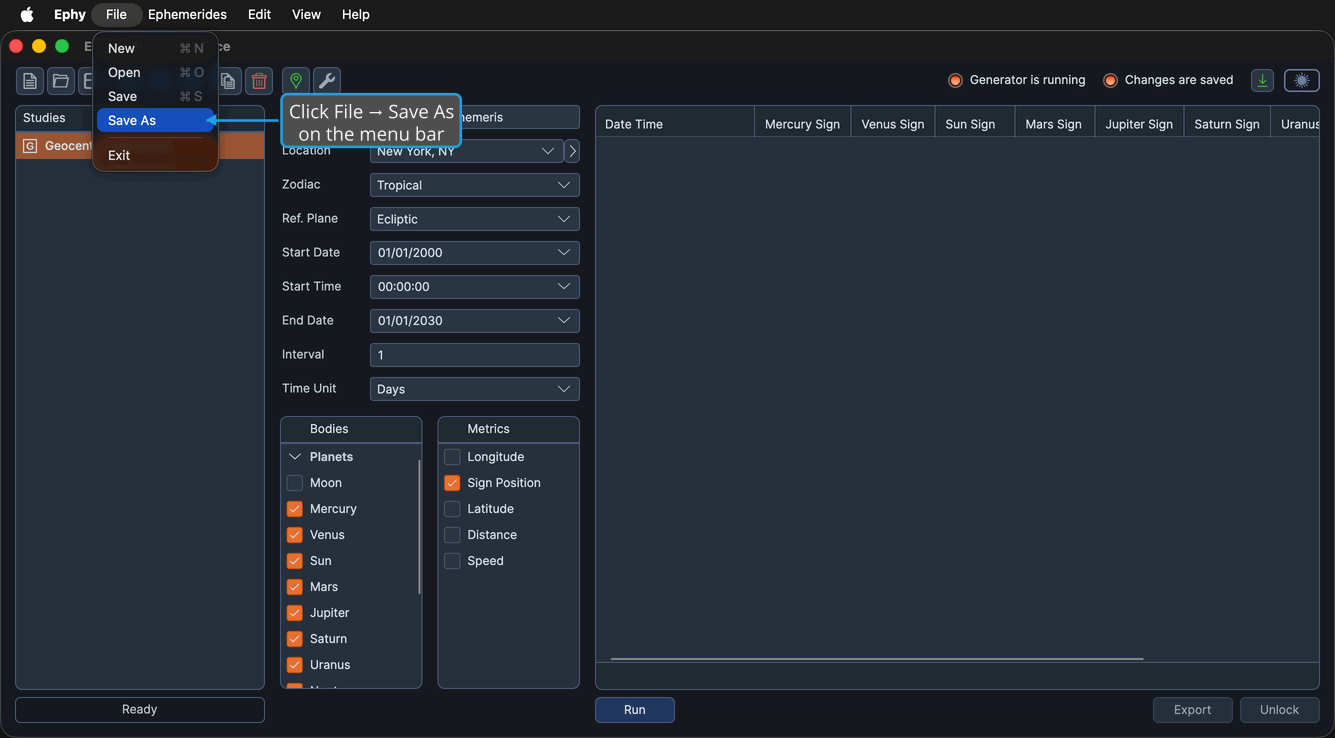
The workspace is written to the new file and renamed to match it.
The Unsaved Changes Prompt
When you try to start a new workspace, open another workspace, exit the application, or close an editor while the current workspace has unsaved changes, Ephy shows the Unsaved Changes prompt. It offers three choices so you can decide what happens to your pending changes before the action continues.
Save from the Unsaved Changes Prompt
Saves your changes, then lets the original action continue. If the workspace has never been saved, Ephy first prompts for a file location.
- Click the Yes button in the Unsaved Changes prompt.
Discard from the Unsaved Changes Prompt
Discards your changes and lets the original action continue, leaving the workspace unsaved.
- Click the No button in the Unsaved Changes prompt.
Cancel from the Unsaved Changes Prompt
Aborts the original action and keeps the current workspace open with its unsaved changes intact.
- Click the Cancel button in the Unsaved Changes prompt.