Open Workspace
Opening a workspace loads a previously saved .ephy file and its studies back into
Ephy, so you can pick up where you left off. When the workspace opens, its first
study is selected automatically.
Opening a Workspace
To open a saved workspace:
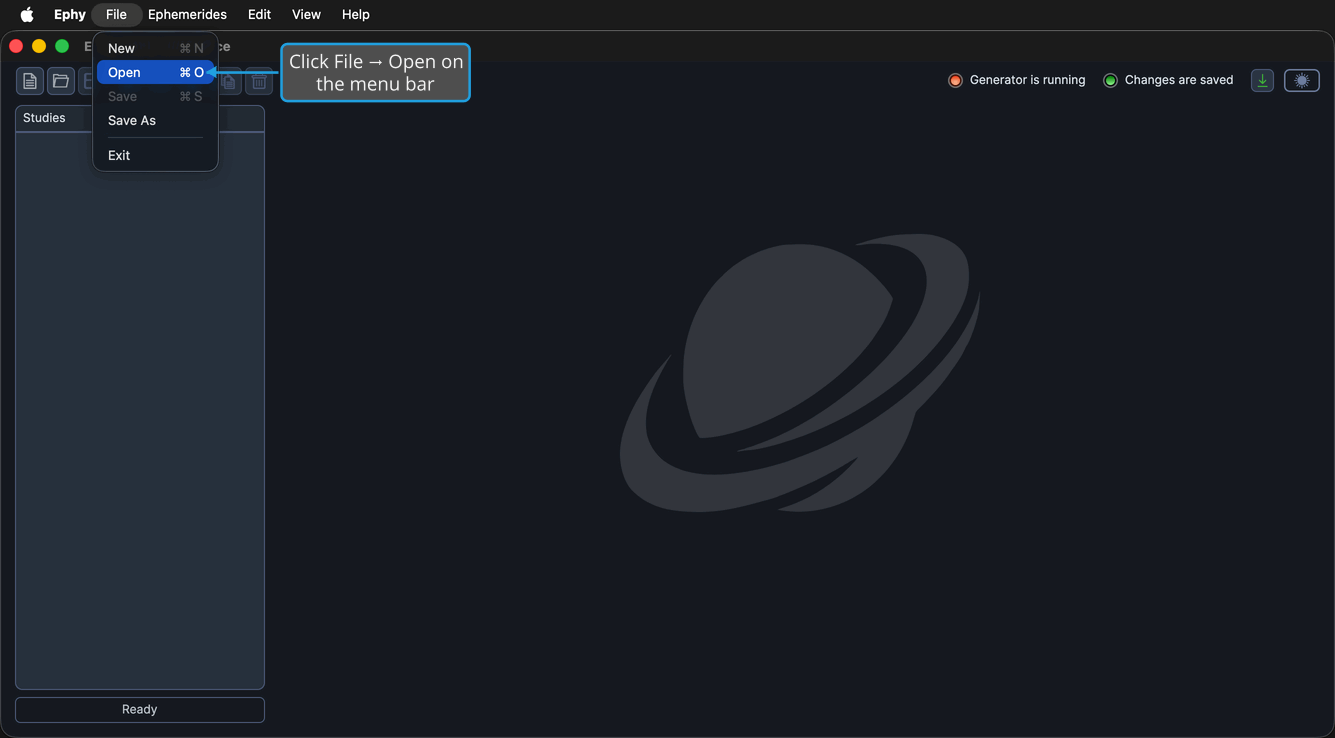
- Click File → Open on the menu bar.
- Choose a workspace file in the Open dialog.
You can also click the Open workspace button on the toolbar, or press Ctrl+O (Cmd+O on macOS).
note
If the current workspace has unsaved changes, the Unsaved Changes prompt appears first so you can save, discard, or cancel before the chosen workspace loads. See Save from the Unsaved Changes Prompt.