Cancel Record Generation
If a generation is taking longer than you want, you can cancel it. The Cancel button appears only while a generation is underway, in place of the usual controls.
Canceling Generation
To stop a generation that is in progress:
- Click the Cancel button while generation is running.
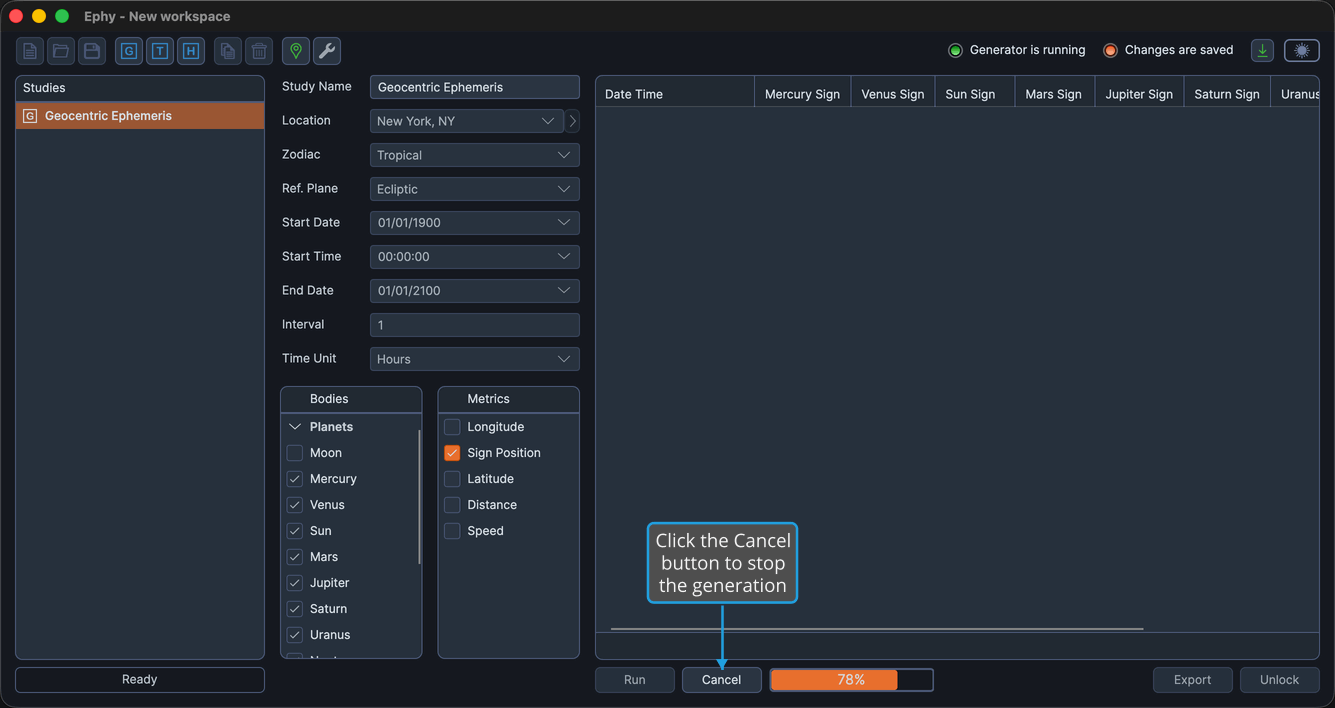
Generation stops at the next checkpoint. The progress indicator and the Cancel button disappear, and the settings return to their prior state so you can adjust the study and generate it again.