Exit Application
When you have finished managing your licenses, you can close R7.Activator using any of the methods below. All three options close the application in the same way.
Close Using the Close Button
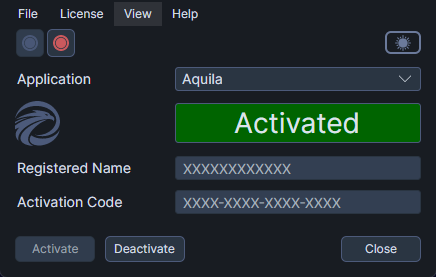
- Click the Close button at the bottom-right of the window.
Close Using the Menu
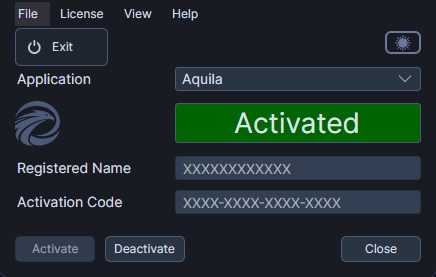
- Click the File menu.
- Click Exit.
Close Using the Window Close Button
You can also close R7.Activator by clicking the standard close button in the window title bar, the same way you would close any other application.