Toggle Theme
R7.Activator supports both Light and Dark visual themes. Switching the theme changes all window backgrounds, text colors, control colors, and icon tints throughout the application. R7.Activator saves your theme preference automatically and restores it the next time you open the application.
Toggle Using the Theme Switch
- Click the theme switch toggle in the toolbar.
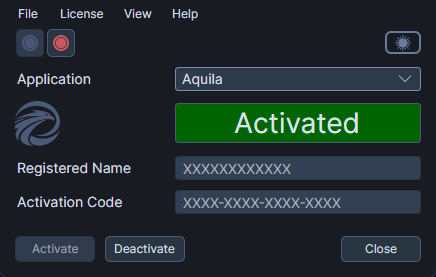
The application immediately switches to the opposite theme.
Toggle Using the Menu
- Click the View menu.
- Click Toggle Theme.
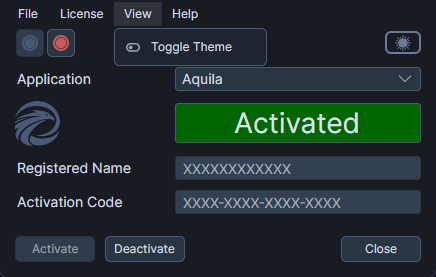
The application immediately switches to the opposite theme.
Theme Persistence
R7.Activator saves your selected theme automatically. When you open R7.Activator again, the application starts in the theme you last used -- there is no flash or delay while the theme loads.