Theme Toggle
Cygnus supports Light and Dark visual themes. Your theme preference persists across sessions, so the application remembers your choice each time you launch it.
Switching Themes
Using the Toolbar
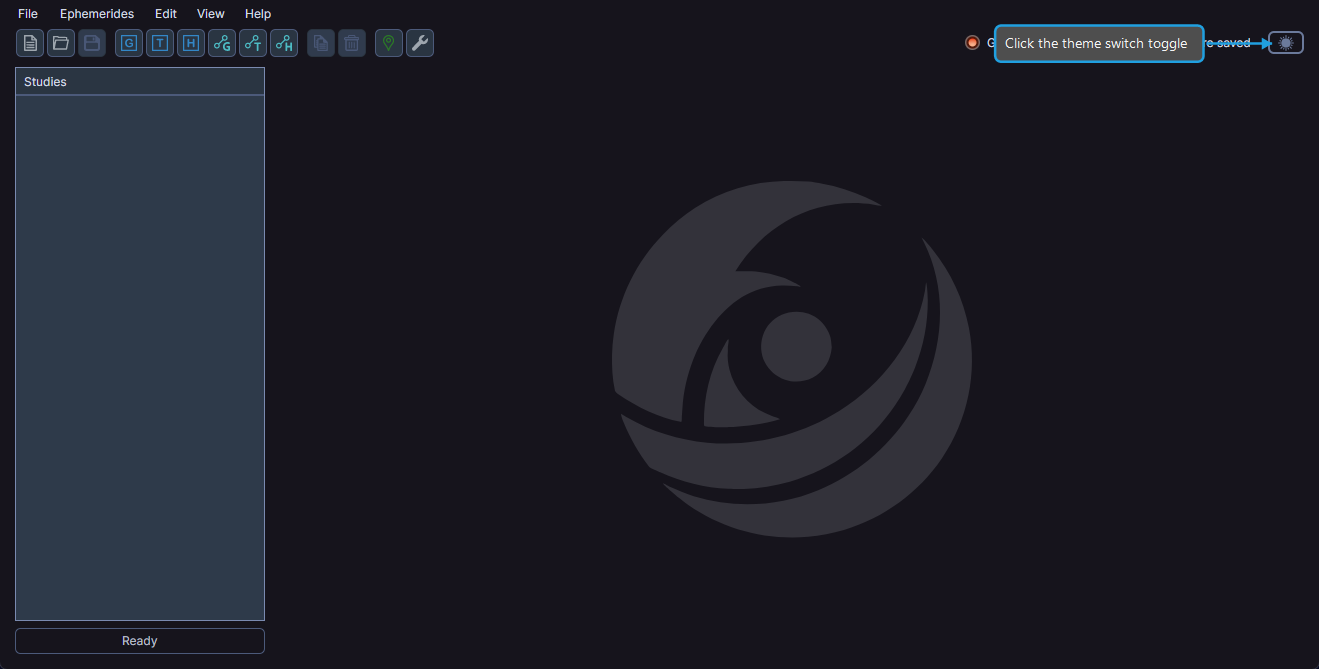
- Click the theme switch toggle in the upper-right corner of the toolbar.
Using the Menu
- Click View on the menu bar.
- Click Toggle Theme in the View menu.
The application theme switches immediately between Light and Dark mode. Cygnus saves your preference automatically.