Save Default Settings
The Save button at the lower-right of the Default Settings Editor persists the edited Application Defaults and Workspace Defaults. Saved values take effect immediately for any new workspaces and studies you create.
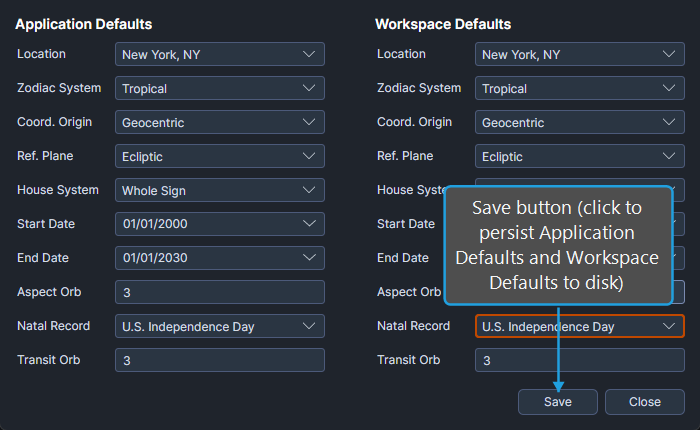
Save the Default Settings
To save the edited defaults:
- Click the Save button at the lower-right of the Default Settings Editor.
Both Application and Workspace defaults are written to disk. New workspaces created from this point forward use the new Application Defaults, and new studies created in the active workspace use the new Workspace Defaults.