Cancel Event Generation
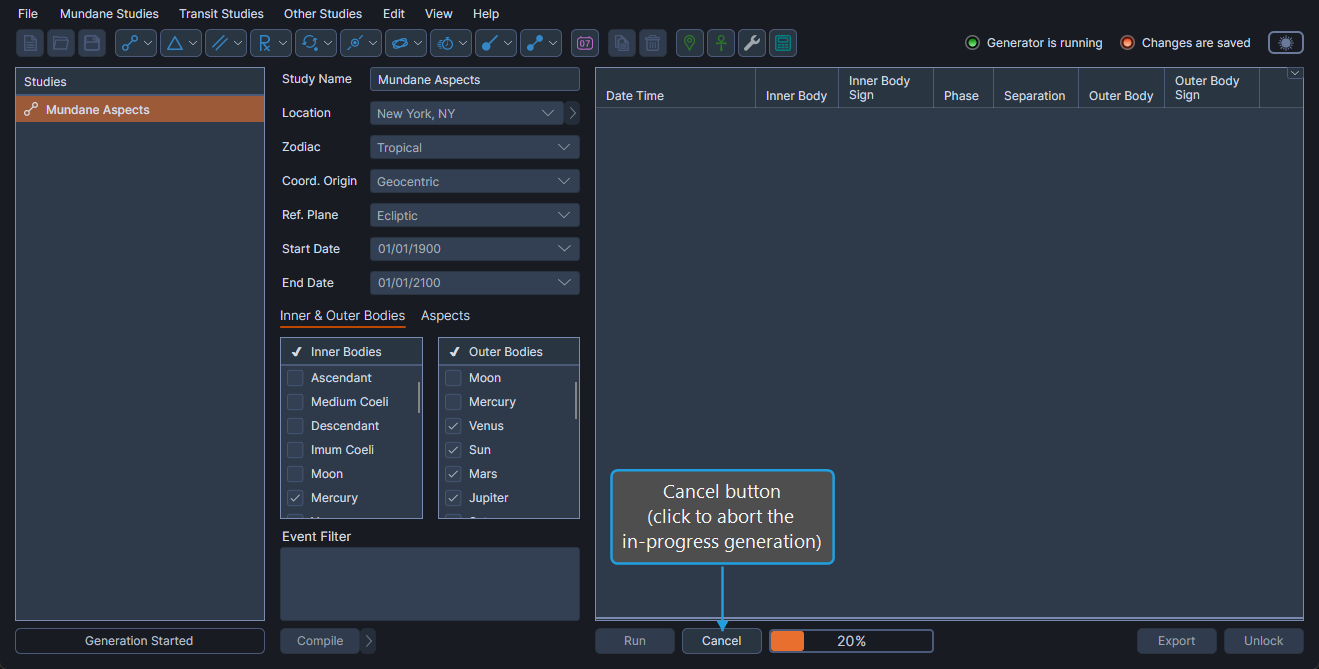
While a study is generating events, the Cancel button replaces the Run button and lets you abort the run. Cancelling restores the study to its pre-run editable state so you can adjust parameters and try again.
Cancel Event Generation
To abort an in-progress event generation run:
- Click the Cancel button.
The progress indicator and Cancel button disappear, the study returns to its editable state, and any partial results are discarded. You can then change parameters and click Run again.