Studies List
The Studies list occupies the left side of the main window. It displays all studies in the current workspace, with each study showing a type-specific icon and the study name.
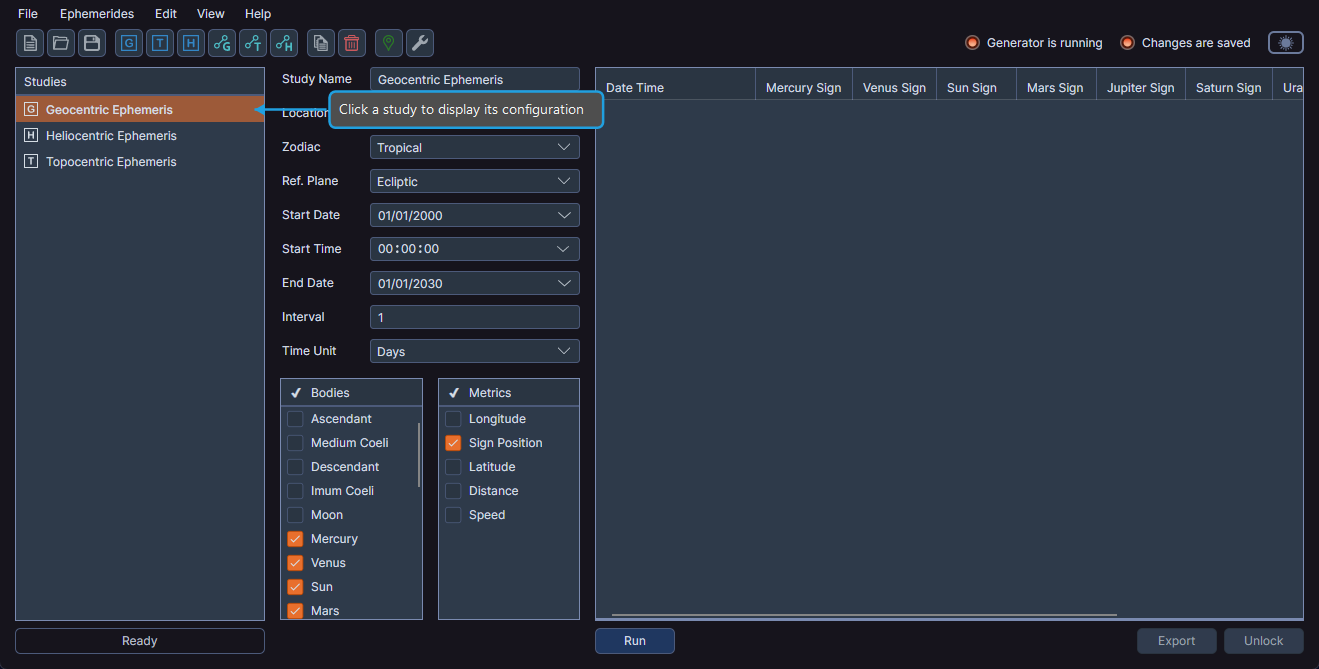
Selecting a Study
Click a study to display its configuration panel and ephemeris table in the study content area on the right side of the window.
- Click a study in the Studies list.
Reordering Studies
You can change the order of studies in the workspace by dragging them to a new position.
- Drag a study to a new position in the Studies list.
Managing Studies
Studies are created using the Ephemerides menu or toolbar buttons. See the individual study type pages for creation instructions:
- Geocentric Ephemeris
- Heliocentric Ephemeris
- Topocentric Ephemeris
- Geocentric Aspect Ephemeris
- Heliocentric Aspect Ephemeris
- Topocentric Aspect Ephemeris
To copy or delete studies, see Study Management.
tip
The activity bar at the bottom of the studies list panel displays feedback messages about completed operations.