Documentation
Get help with using Cygnus. Choose Help → Documentation, and the Cygnus online documentation opens in your default web browser.
The Documentation command is always available.
info
On macOS, the Help menu is in the menu bar at the top of the screen. On Windows, it is in the menu bar of the Cygnus window.
Open the Online Documentation
To open the Cygnus documentation:
- Click Help on the menu bar.
- Click Documentation in the Help menu.
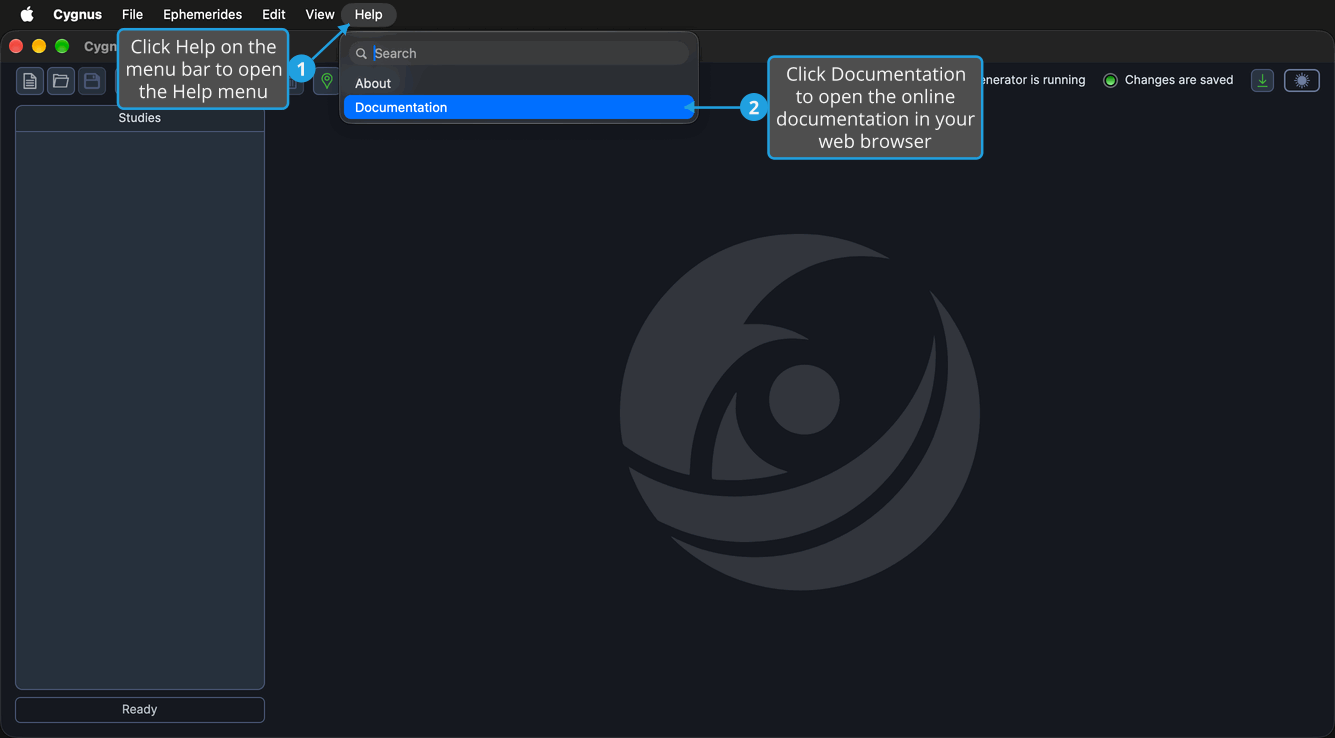
The Cygnus online documentation opens in your default web browser.
Related Topics
- About Dialog: check which version of Cygnus you have and whether it is licensed or in trial.
- Update Notification Button: see when a newer version of Cygnus is available and get it.
- Menu Bar: every menu command, including those of the Help menu.