Activity Bar
The activity bar is located at the bottom of the studies list panel and provides feedback about application operations.
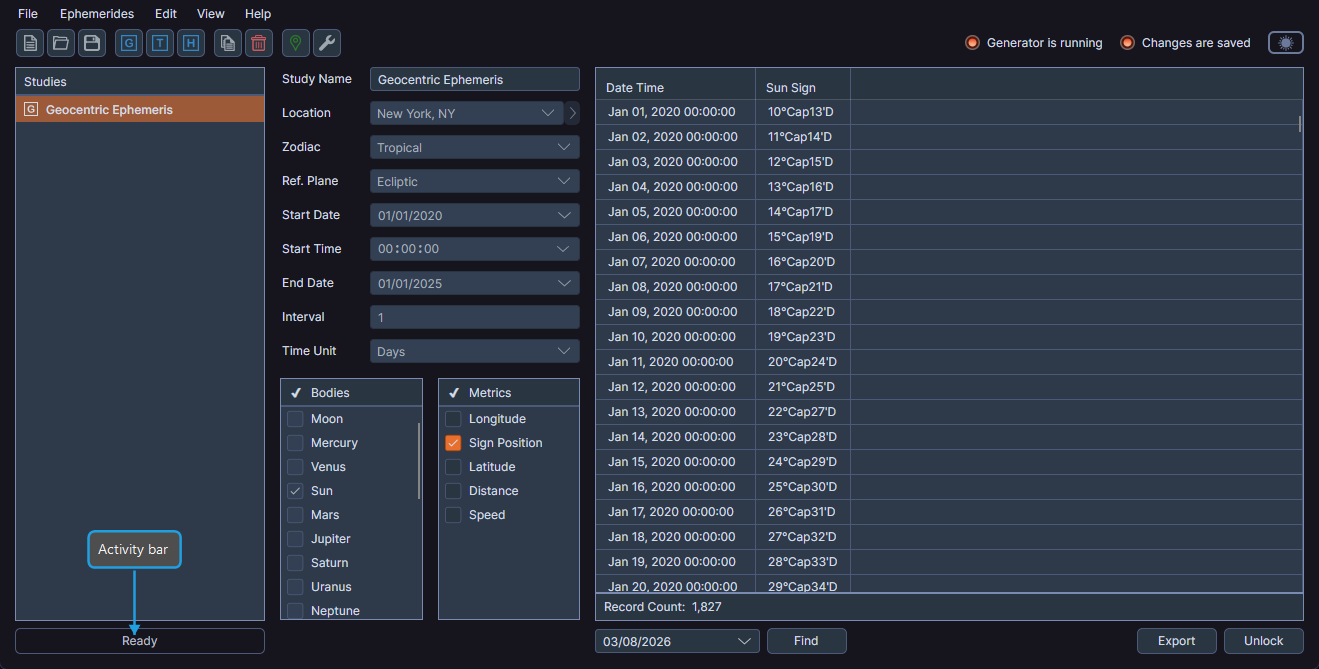
Status Messages
The activity bar displays transient status messages that appear automatically during and after operations, such as:
- "Generation Complete"
- "Workspace Created"
- "Save Complete"
Messages appear with a cross-fade transition effect, replacing the previous message as new operations complete.
Progress Ring
A progress ring animates in the activity bar when a background operation is underway, providing visual confirmation that work is in progress.
Viewing the Activity Bar
- Observe the activity bar below the studies list. Messages and the progress ring appear automatically and require no user interaction.