Generate Ephemeris Records
After configuring a study's parameters, bodies, and metrics, you generate the ephemeris records to produce the tabular output. Generation runs asynchronously on a background thread, so you can monitor progress while it completes.
Prerequisites
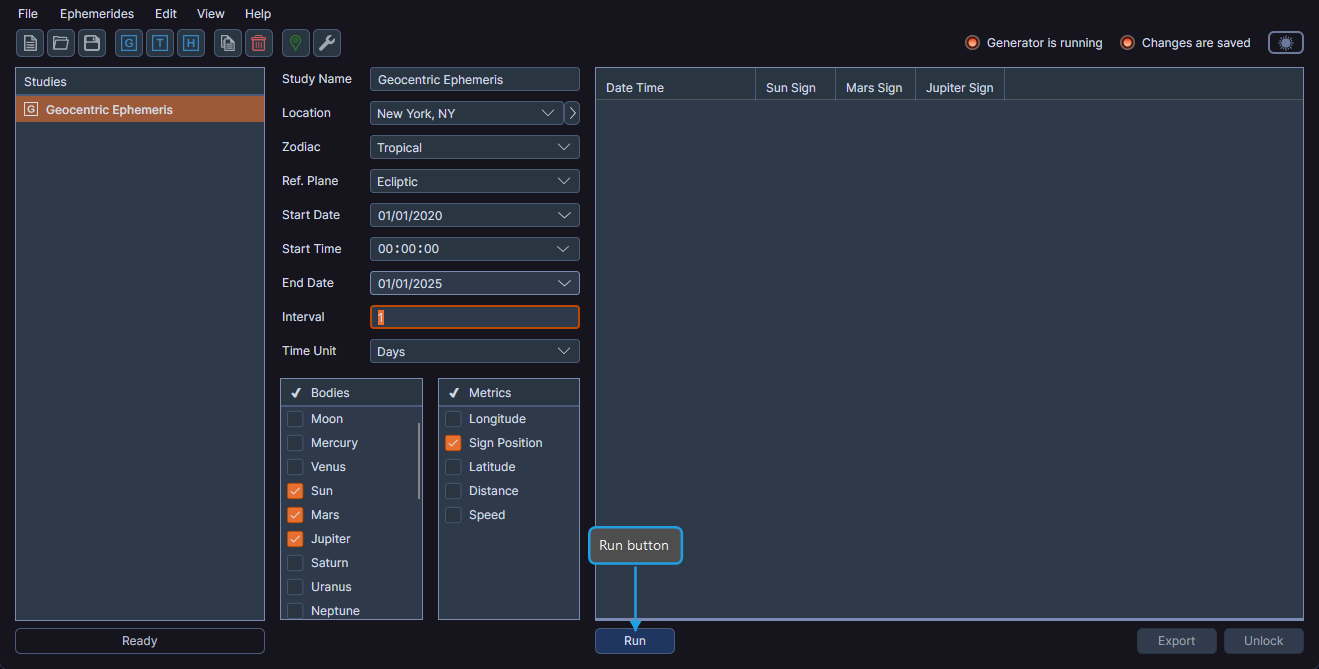
Ephy enables the Run button only when all required parameters are defined:
- A valid date range (start date is before end date)
- A positive interval value
- At least one body is selected
Generating Records
- Click the Run button.
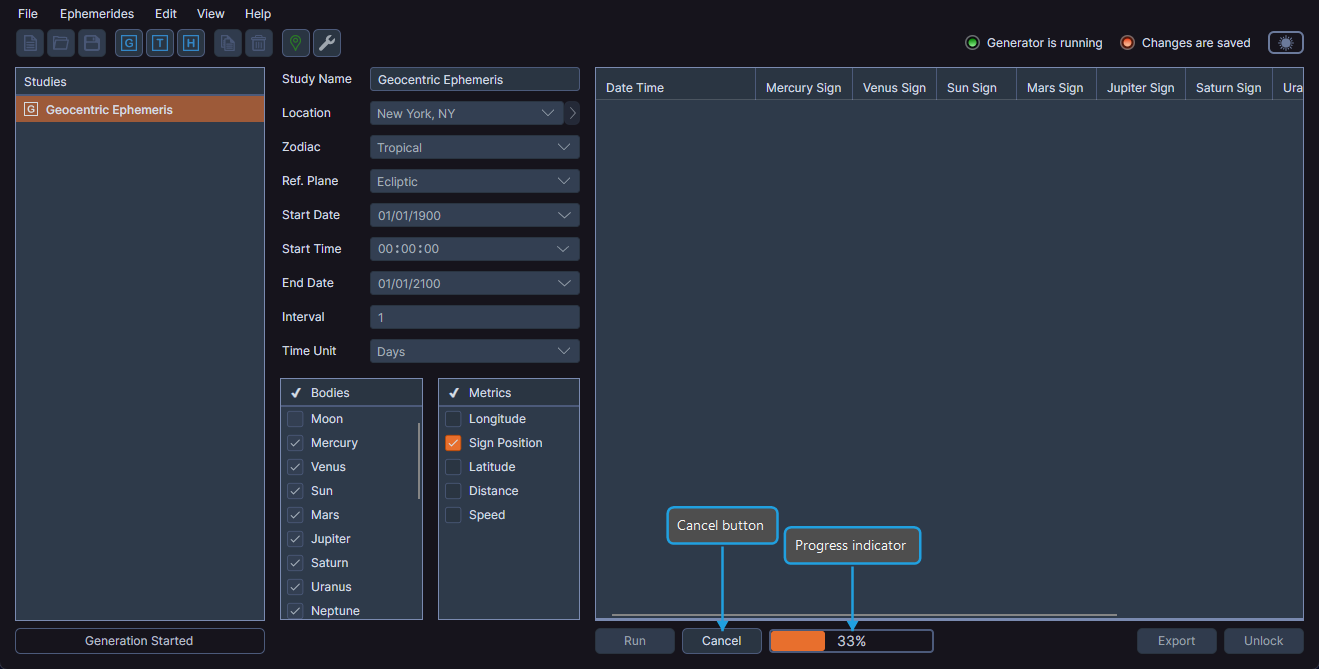
A progress indicator appears showing the completion percentage. After generation completes, the ephemeris table displays the records, the study locks to prevent parameter changes, and the record count appears in the statistics bar.
Canceling Generation
If you need to stop a generation that is in progress:
- Click the Cancel button that appears during generation.
Generation stops and the study unlocks so you can modify parameters.
After Generation
Once generation completes:
- The study is locked -- parameter fields become read-only to protect the integrity of the generated data.
- The Unlock button replaces the Run button. See Unlock Study to re-enable editing.
- The statistics bar displays the record count.
- The activity bar displays "Generation Complete".
- The Generator is running indicator disappears.
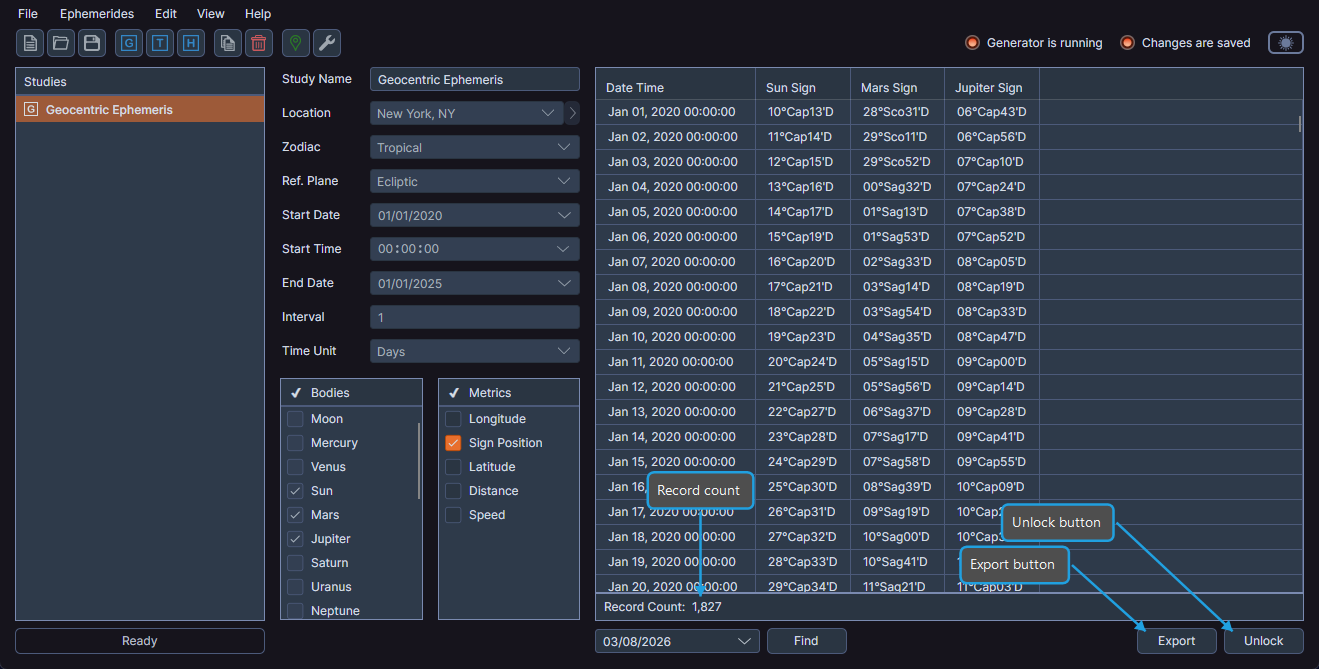
You can export the generated records to CSV or find a specific record by date after generation completes.