Record Statistics
After generating records, a statistics bar appears between the ephemeris table and the action buttons, displaying a summary of the generated data.
Viewing Record Statistics
- Observe the record count in the statistics bar below the ephemeris table.
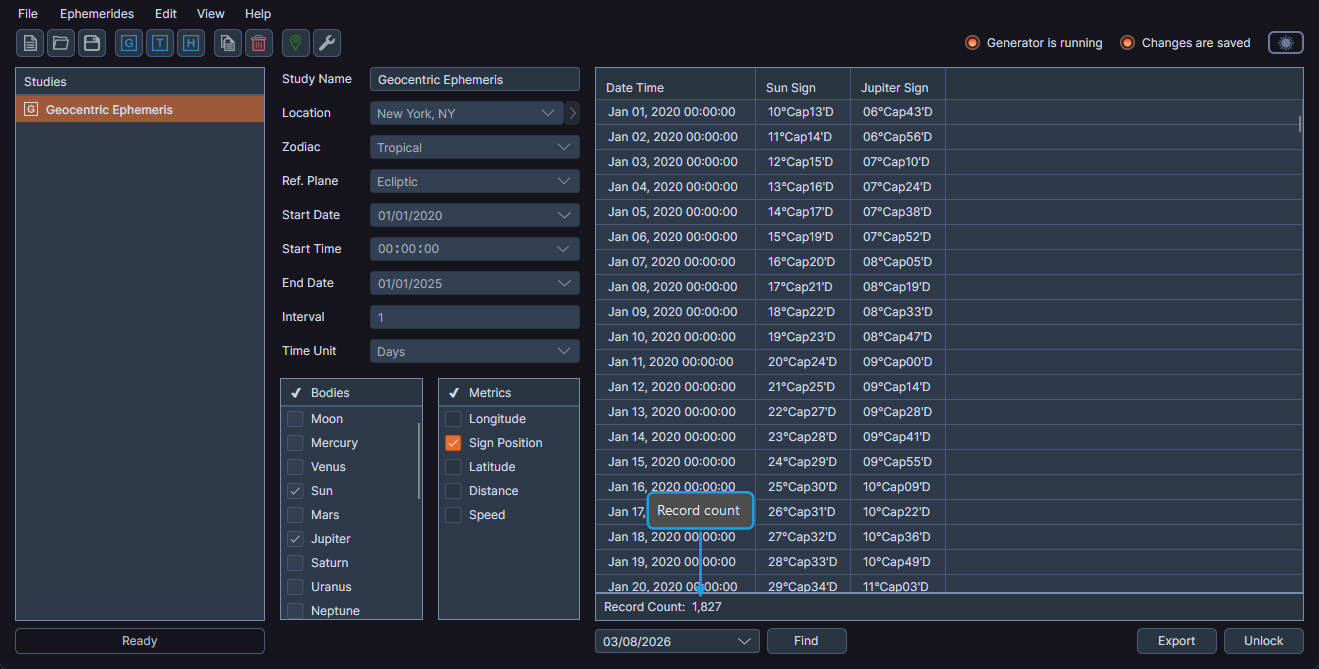
The statistics bar displays the total record count formatted with thousand separators (e.g., "Record Count: 1,234"). It appears only after record generation completes.