Export to CSV
You can export generated ephemeris records to a CSV (Comma-Separated Values) file for use in spreadsheets, databases, or other external applications.
Exporting Records
To export the generated records to a CSV file:
- Click the Export button at the bottom-right of the study view.
- Choose a file name and location in the Save dialog.
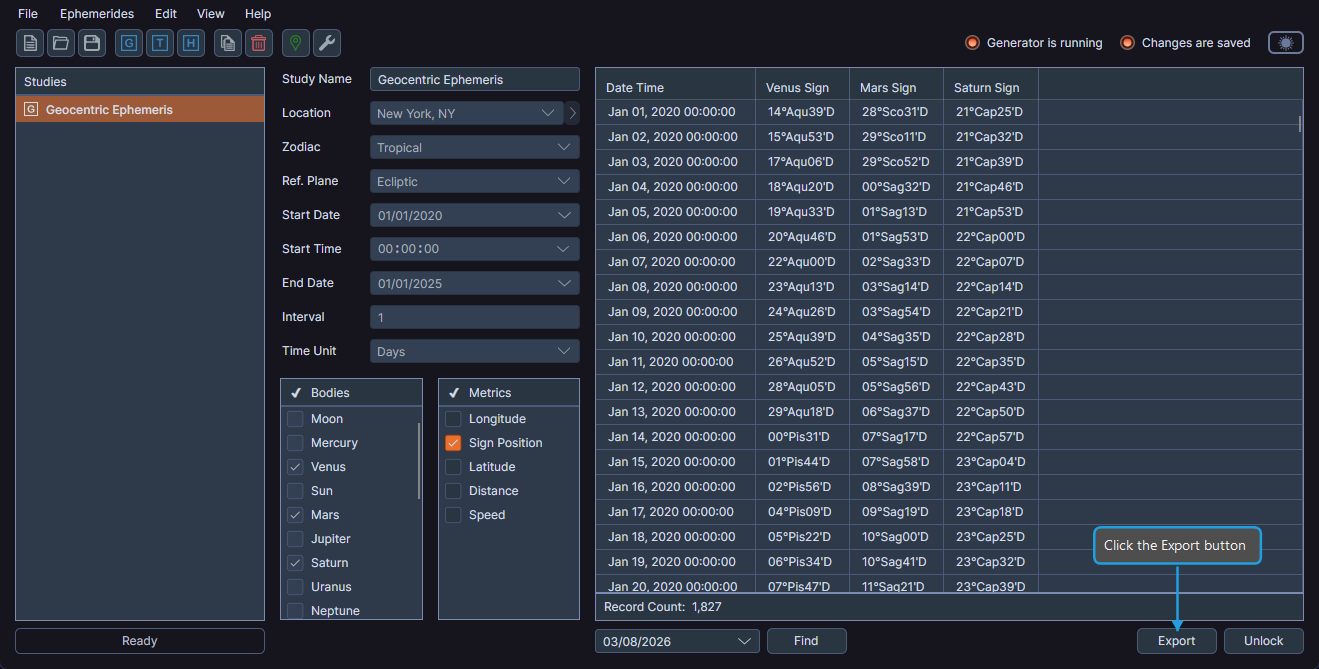
The exported CSV file reflects the current column visibility from the ephemeris table. The export excludes hidden columns.
info
Ephy enables the Export button only after you generate records. If the button is not available, generate the ephemeris records first.
tip
Toggle column visibility in the ephemeris table before exporting. The CSV output includes only visible columns.