Status Indicators
The toolbar area displays two status indicators that provide at-a-glance feedback about the current state of your workspace.
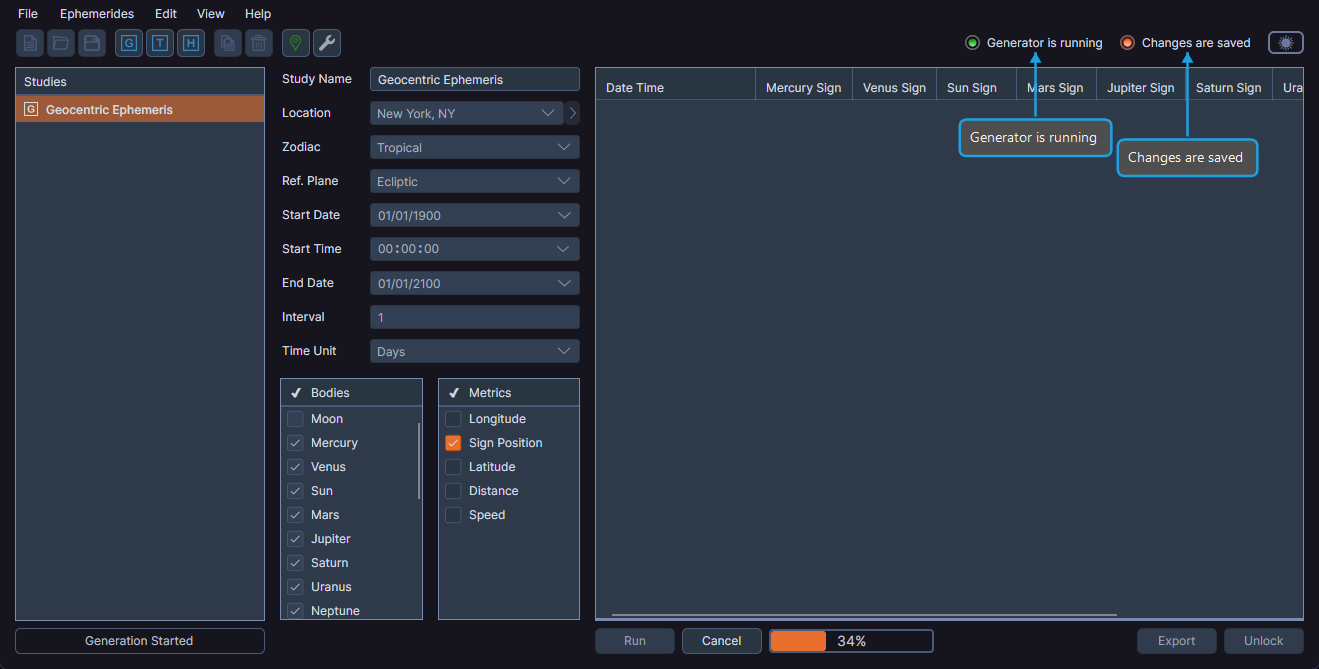
Generator Is Running
The Generator is running indicator appears when any study in the workspace is actively generating records. It disappears when generation completes or when you cancel it.
Changes Are Saved
The Changes are saved indicator shows whether the current workspace has unsaved changes:
- Green — All changes have been saved.
- Red — Unsaved changes exist.
Viewing the Status Indicators
- Observe the status indicators in the upper-right area of the toolbar. No interaction is required; they update automatically.
info
The status indicators hide dynamically when the window width is narrow to preserve toolbar space.