Cancel Generation
Cancel a generation to stop a long search, for example after noticing a wrong setting. While a study generates its events, a Cancel button appears beside the progress bar below the events table. Clicking it stops the search and unlocks the study's settings.
Cancel a Generation in Progress
Stop the study's search for events while it is in progress. The progress bar and the Cancel button show only while the study is generating events.
- Click Cancel beside the progress bar.
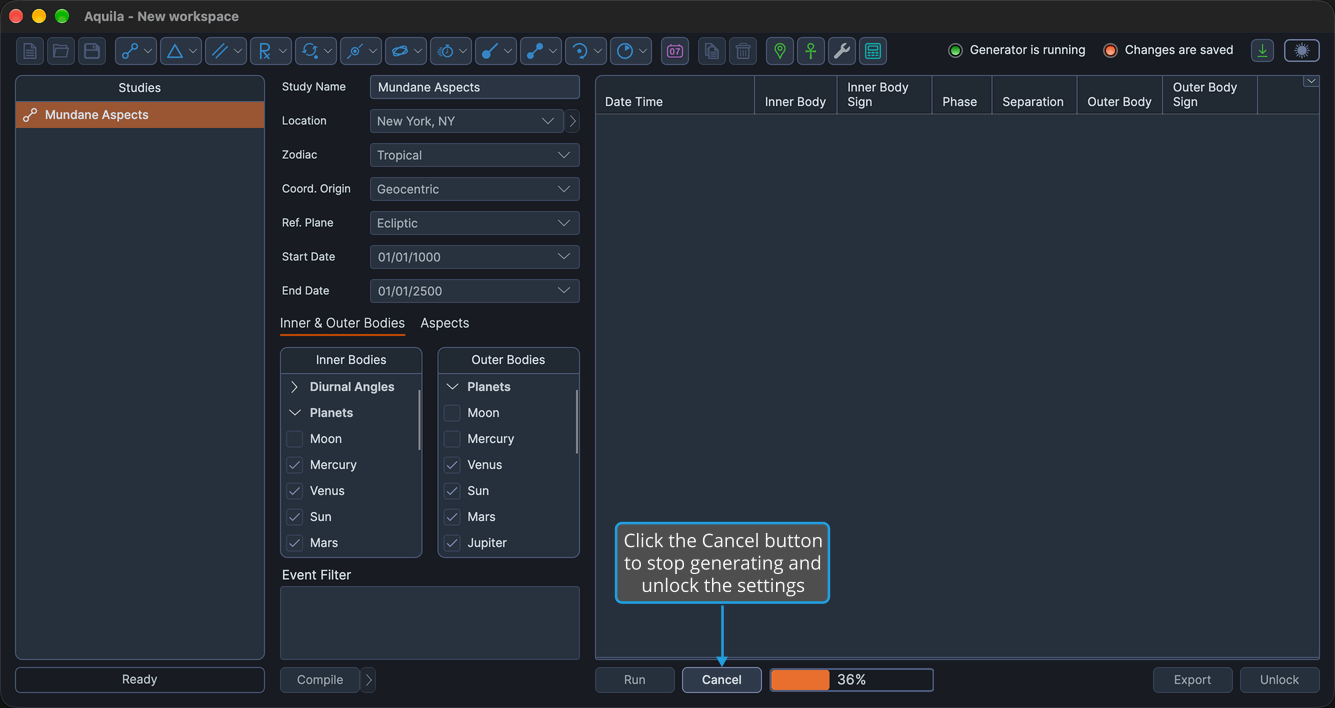
The search stops, the progress bar and the Cancel button disappear, and the study's settings are unlocked so you can change them. The Run button is available to start again (Generate Events).