Reorder Studies
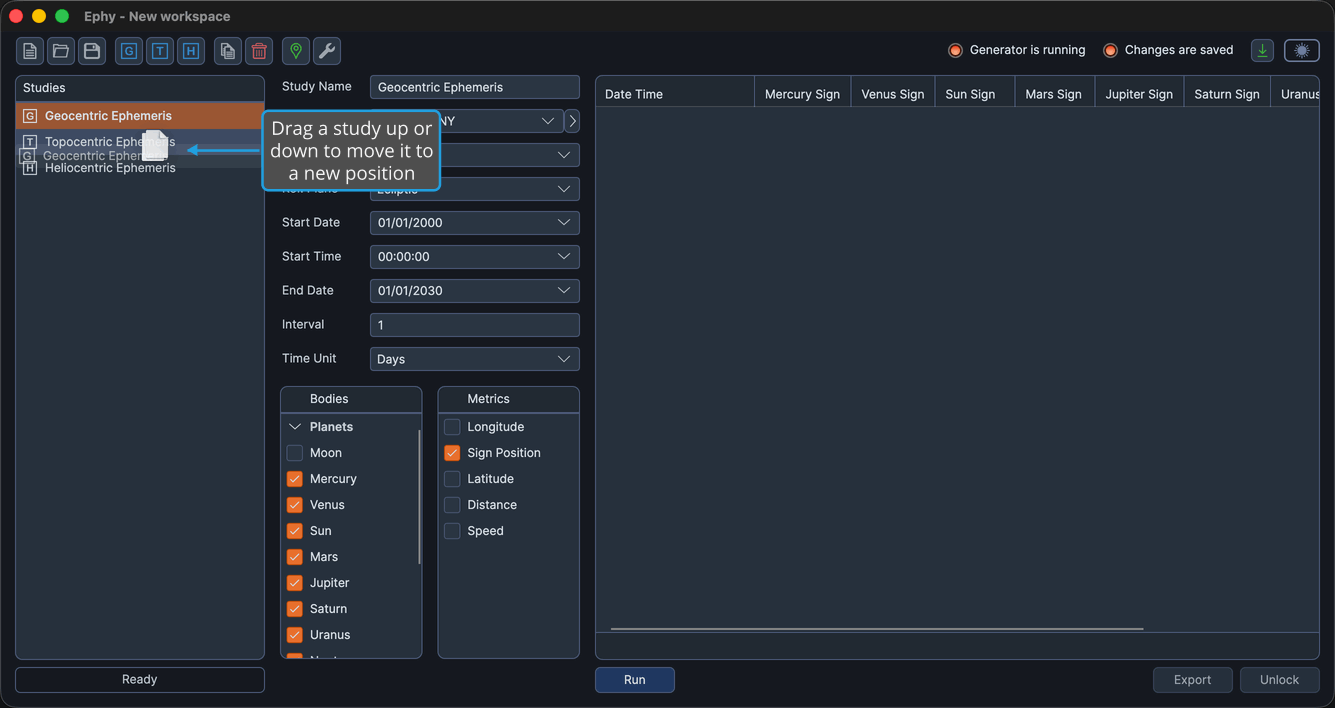
Reordering lets you arrange the studies in the Studies list in whatever order suits you. As you drag, an indicator follows the cursor to show where the study will land, and the moved study stays selected after you drop it.
Reordering a Study
You need at least two studies in the workspace to reorder them.
To move a study to a new position:
- Drag the study up or down in the Studies list and release it at the position you want.