Create Study
Creating a study adds a new ephemeris study of your chosen perspective to the current workspace. The new study is initialized from the workspace defaults and any default presets, then appears in the Studies list and is selected, ready for you to configure and generate.
Creating a Study
To create a study:
- Click Ephemerides on the menu bar, then click Geocentric Ephemeris, Topocentric Ephemeris, or Heliocentric Ephemeris.
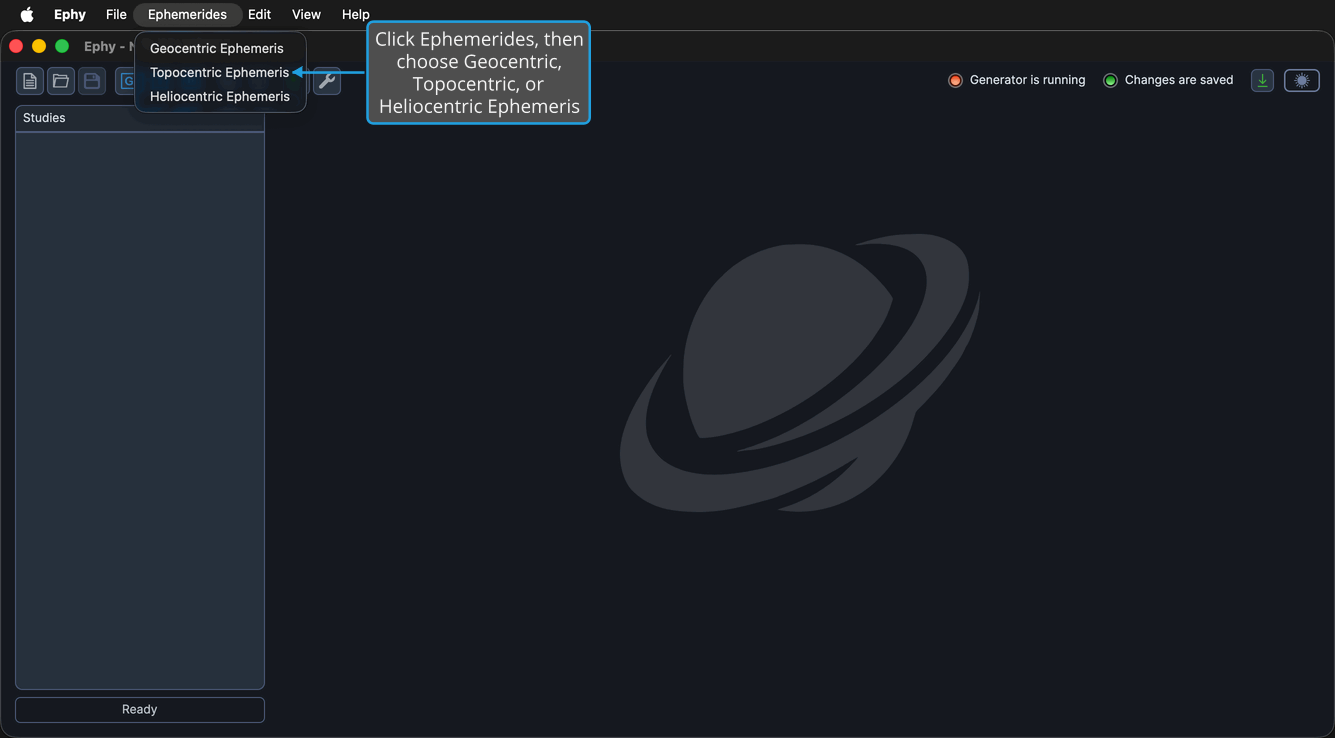
Each ephemeris type also has a dedicated toolbar button, so you can create a study in a single click:
| Study Type | Toolbar Button | Learn More |
|---|---|---|
| Geocentric (Earth-centered) | Geocentric ephemeris | Geocentric Ephemeris Study |
| Topocentric (observer-relative) | Topocentric ephemeris | Topocentric Ephemeris Study |
| Heliocentric (Sun-centered) | Heliocentric ephemeris | Heliocentric Ephemeris Study |
tip
New studies inherit the workspace defaults and any default presets. To change what new studies start from, set your preferred values in the Default Settings Editor.