Export Locations
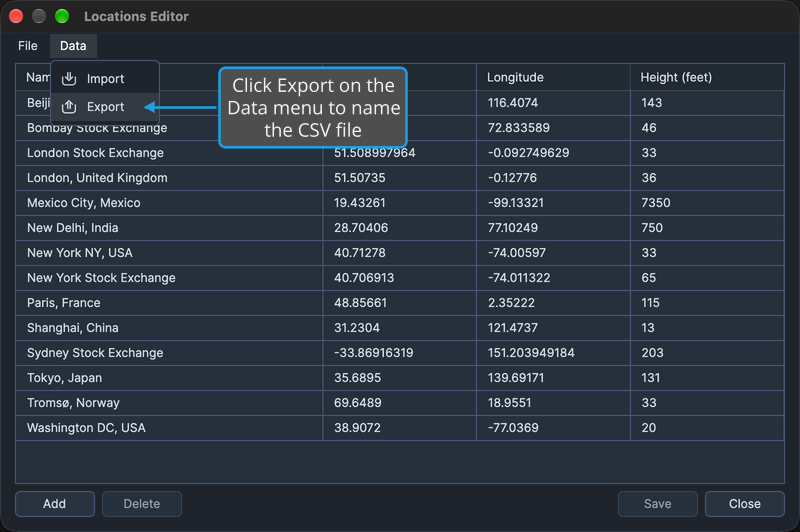
Keep a copy of your locations as a CSV file, for backup or for use elsewhere. Data → Export in the Locations Editor writes the editor's named locations to a CSV file you choose in a save dialog.
Export Locations to a CSV File
With the Locations Editor open and at least one named location in its grid, to write the locations to a CSV file:
- Click Data → Export on the editor's menu bar.
- Choose where to save the file in the Export Locations to CSV dialog, as described in Save a File in the Save Dialog.
- Dismiss the Export Successful message, as described in Acknowledge a Message.
The named locations are written to the chosen CSV file, and the Export Successful message names how many were exported and the path of the file. A location with no name is not exported.
The dialog suggests the file name Locations_ followed by today's date, written yyyy-MM-dd. Canceling the dialog, as described in Cancel the Save Dialog, writes nothing and shows no message.
Export is grayed while the grid holds no rows. When the grid holds rows but none of them has a name, a No Locations to Export message appears instead of the dialog; dismiss it the same way.
Related Topics
- Locations Editor: add, edit and name the locations you export.
- Import Locations: add the locations in a CSV file to the grid.
- Export Natal Records: the same export in the Natal Records Editor.