Theme Toggle
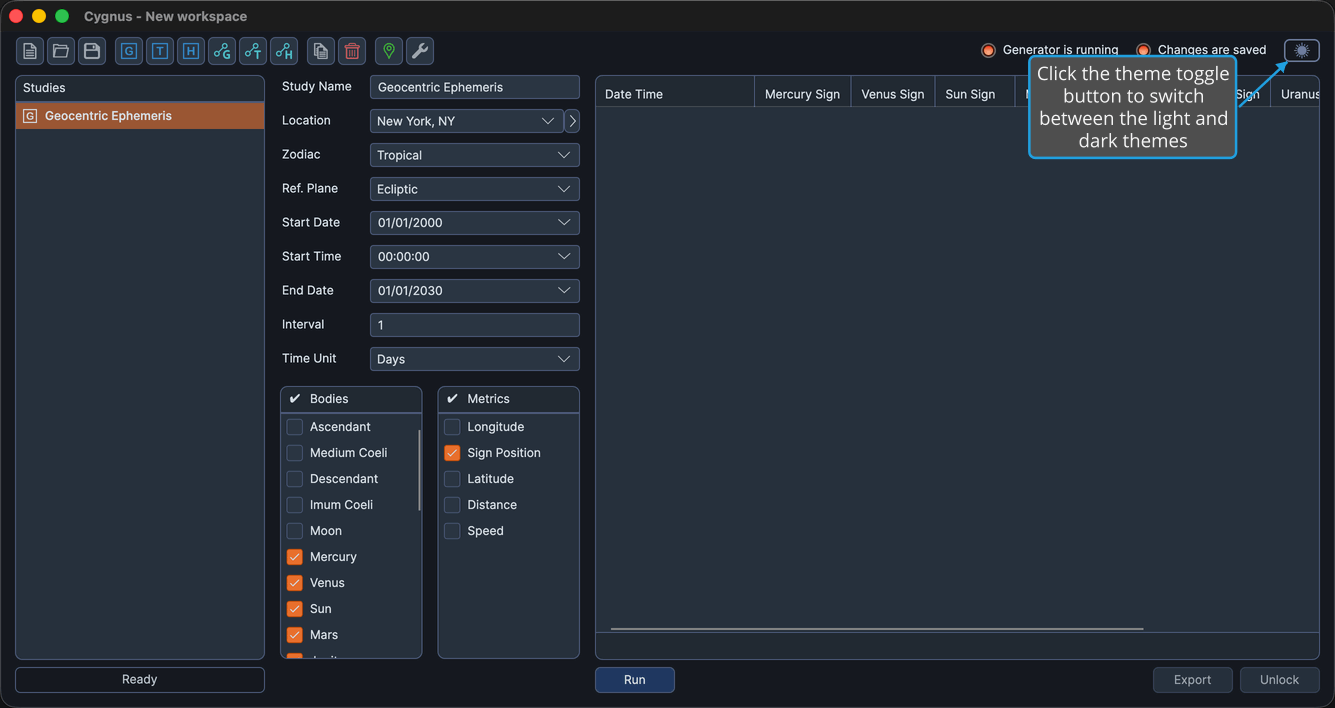
Cygnus can display in a light or a dark visual theme. Your choice is remembered and reapplied the next time you start the application.
To switch between the light and dark themes:
- Click the theme toggle at the top right of the window.
You can also switch the theme from the menu bar by choosing View → Toggle Theme.