Export Records to CSV
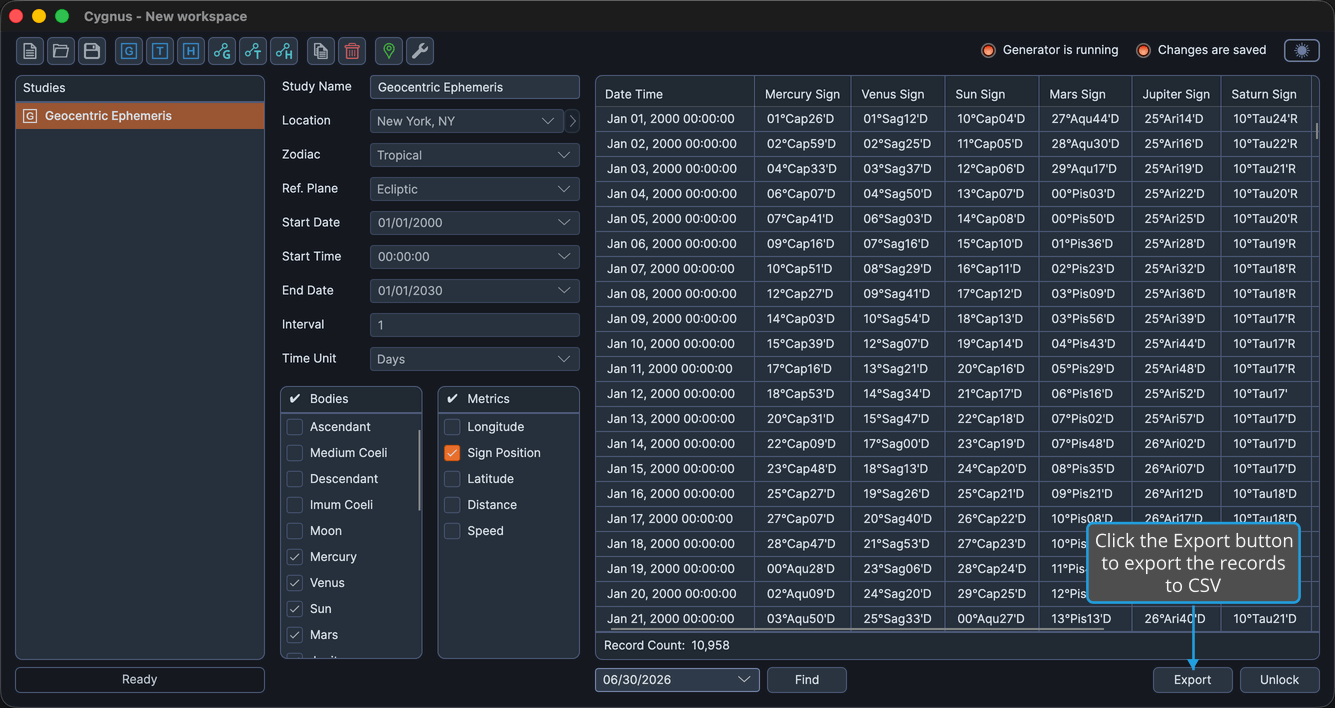
Export a study's records to a CSV file to use them in a spreadsheet or another program. The Export button becomes available once a study has finished generating.
To export records to CSV:
- Click the Export button.
- In the save dialog, choose a location and file name.
- Click Save.
Cygnus writes the records to the chosen CSV file and reports when the export is complete.