Toggle Column Visibility
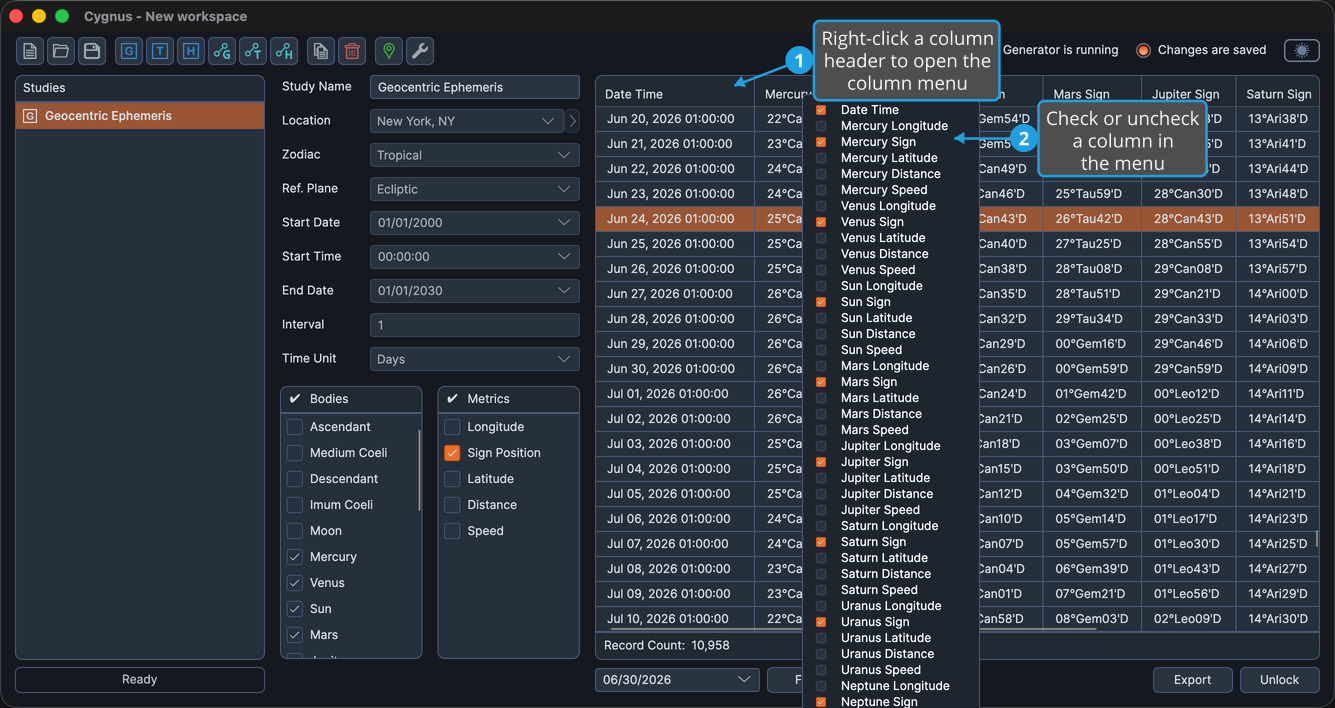
You can show or hide individual columns in the ephemeris table directly from a column header. Your choice is saved with the study.
To show or hide columns from the table:
- Right-click a column header to open the column menu.
- Check or uncheck a column in the menu.
There are two ways to control which columns appear in the ephemeris table:
- The column-header menu described above.
- The metric checkboxes in the Body Metrics List (and, on aspect studies, the Aspect Metrics List).