Update Notification
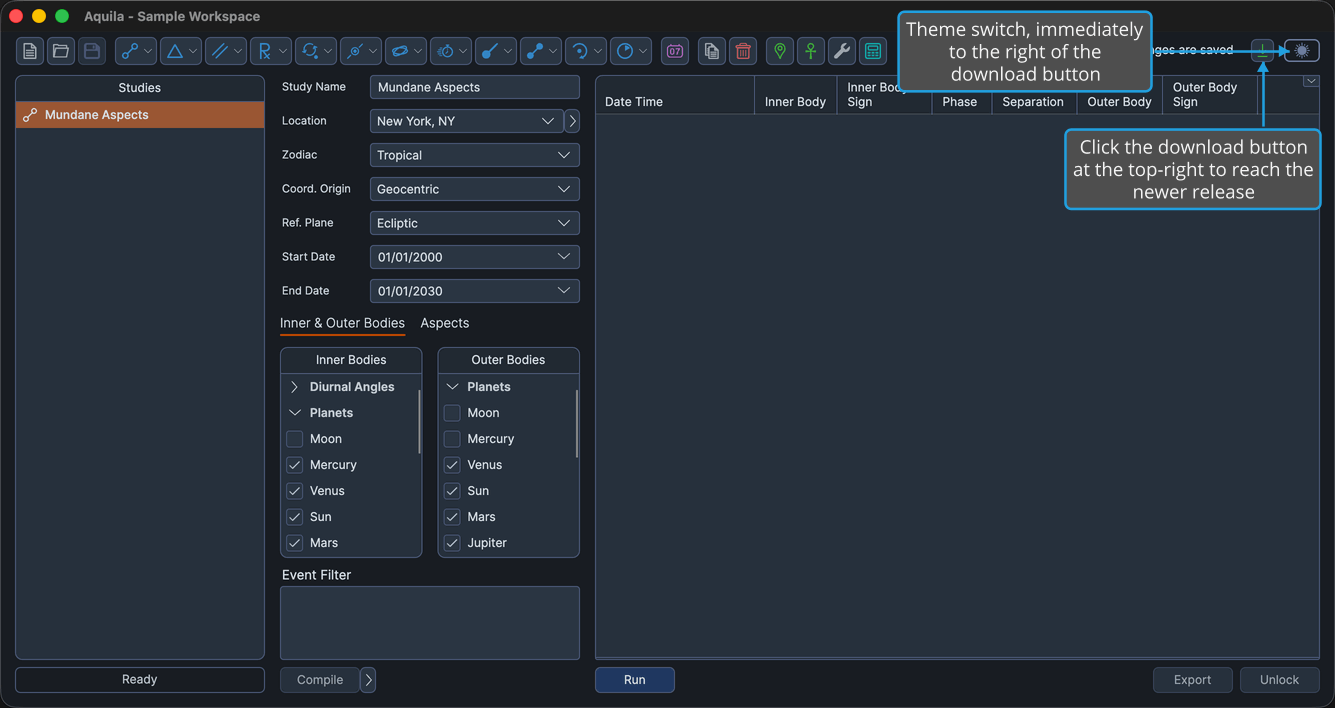
Aquila checks for a newer release shortly after it starts. When one exists, a download button appears at the top-right of the main window, immediately to the left of the theme toggle. When your installed version is current, the button is hidden entirely, so its presence is itself the notification.
Hovering the button shows a tooltip naming the version that is available.
Open the Download Page
To reach the download for a newer release:
- Click the download button at the top-right of the main window, immediately to the left of the theme toggle.
The download page opens in your default browser.
note
The button appears only while a newer version is available. If you do not see it, the version you are running is the current one. The version you have installed is shown in the About Dialog.