Export Records to CSV
Exporting writes a study's generated records to a CSV file, so you can open them in a spreadsheet or bring them into another tool. The Export button becomes available once a generation completes.
Exporting to CSV
To export the generated records:
- Click the Export button.
- Choose a file name and location in the save dialog.
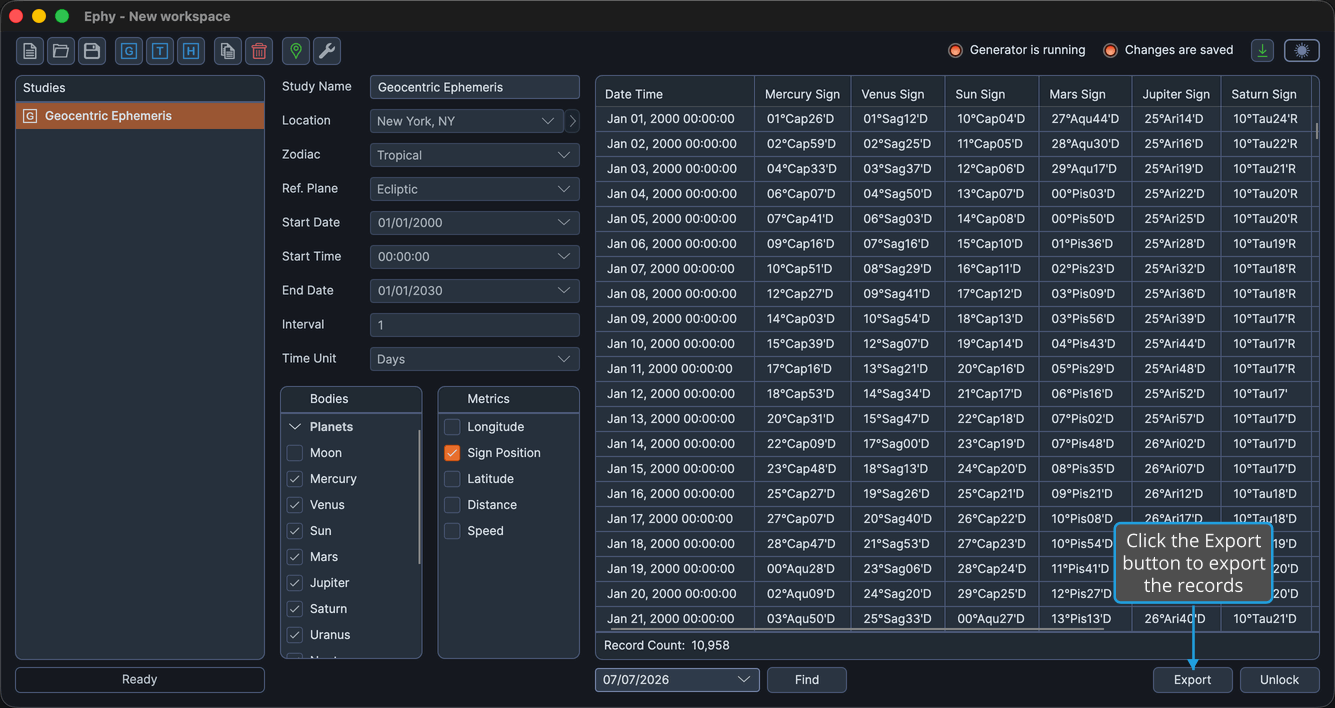
The records are written to the file you chose, and an "Export Complete" status confirms the export finished.