Find Record by Date
When a study produces a large set of records, you can jump straight to the record nearest a date you care about. A date picker and a Find button appear beside the results once a generation completes.
Finding a Record
To scroll to the record nearest a target date:
- Enter a target date in the Find date picker.
- Click the Find button.
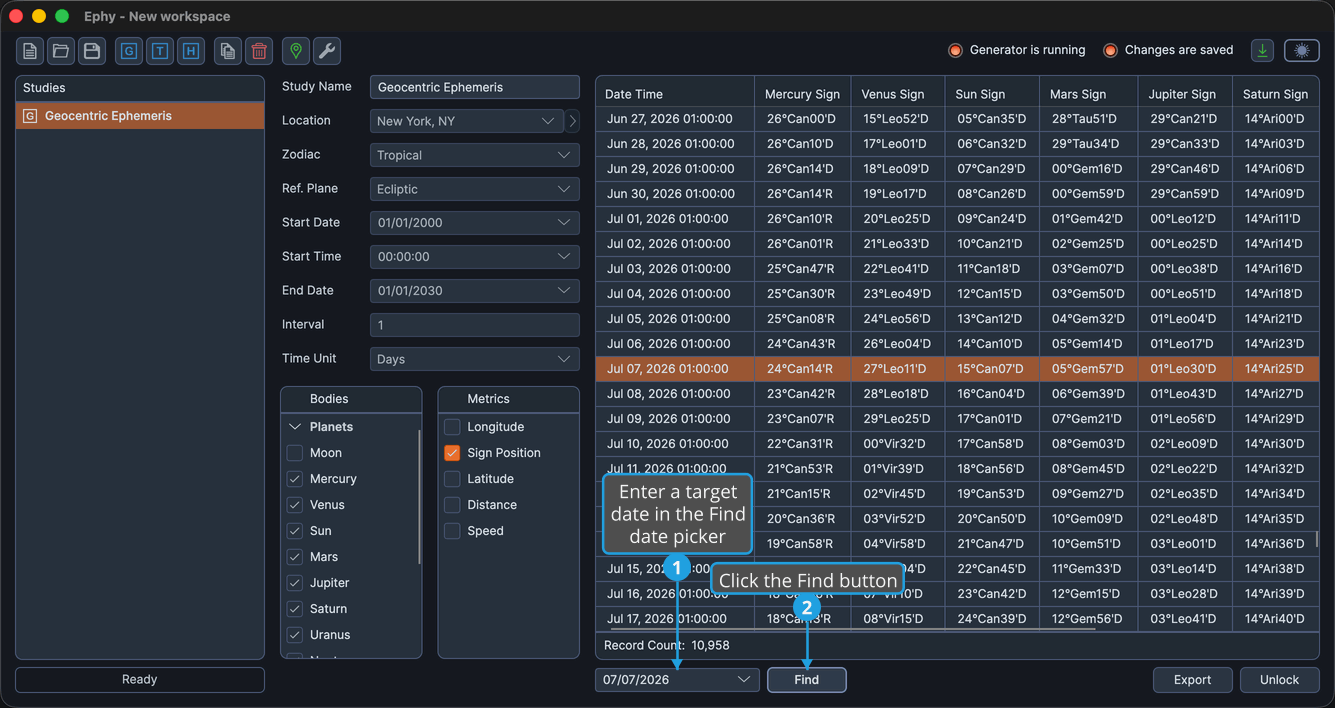
The table scrolls to and selects the record closest to the date you entered. You can also press Enter after entering the date instead of clicking Find.