Toggle Column Visibility
You can show or hide any column in the ephemeris table directly from its header, without leaving the table. This is one of two ways to control which columns appear; the other is selecting metrics in the Metrics Selection List. Both work before or after you generate records.
Showing or Hiding a Column
To change which columns are visible:
- Right-click any column header to open the column menu.
- Check or uncheck a column in the menu to show or hide it.
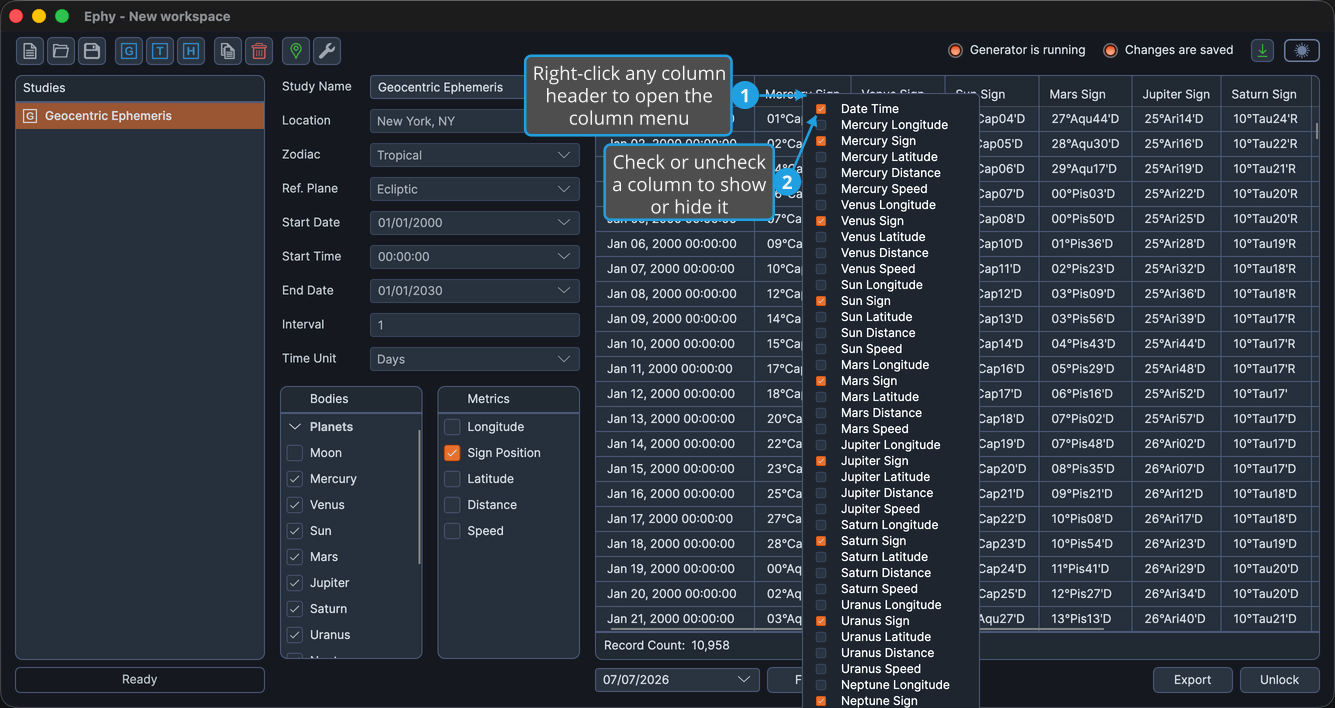
The menu lists every column in the table, each with a checkbox: the fixed Date Time column plus one entry for each selected body and metric. Your visibility choices are saved with the study's layout.