Export Timeline Events to CSV
The Export button on a loaded Timeline Study writes every event in the Timeline table to a CSV file. Use export to back up the aggregated timeline or to bring it into a spreadsheet for further analysis.
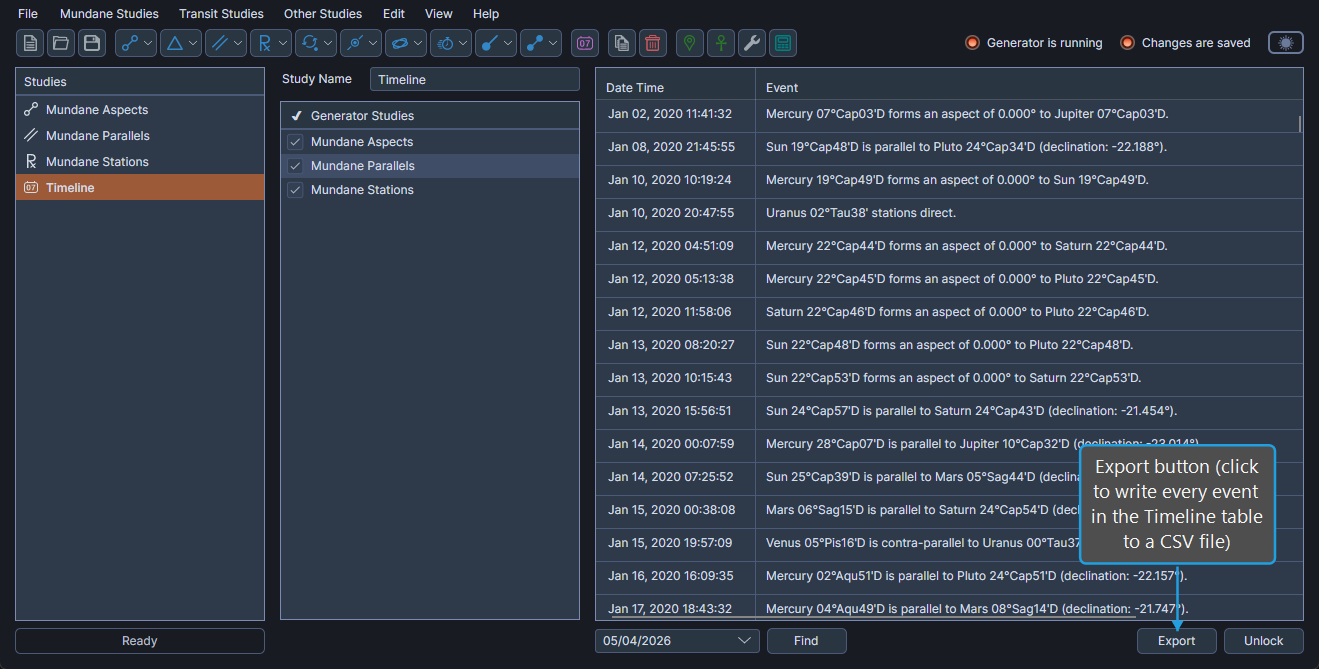
Export the Timeline to a CSV File
To export every event in the timeline to a CSV file:
- Click the Export button.
- Choose a file path in the Save File dialog and click Save.
Aquila writes every event in the Timeline table to the chosen file path.