Find In Timeline
The Find tool on a loaded Timeline Study scrolls the Timeline table to and selects the event whose date is closest to a target date you supply. Use it to jump directly to a particular epoch in a long timeline.
Find the Nearest Timeline Event
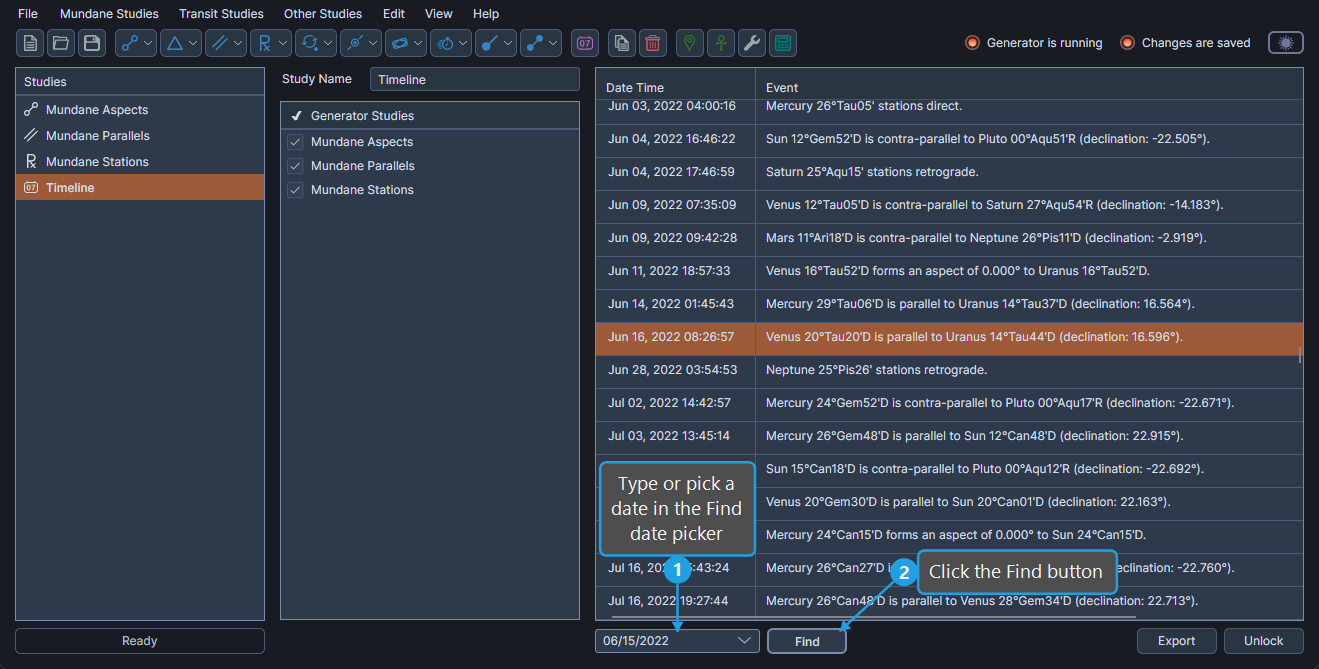
To find the timeline event closest to a target date:
- Type or pick a date in the Find date picker.
- Click the Find button.
tip
You can also confirm the target date by pressing Enter in the Find date picker.
The Timeline table scrolls to and selects the event whose date is closest to the target.