Load Timeline Events
Checking source studies only declares intent. Loading is the step that produces the combined chronological view: it gathers the events of the selected generator studies and merges them into the Timeline table in date order.
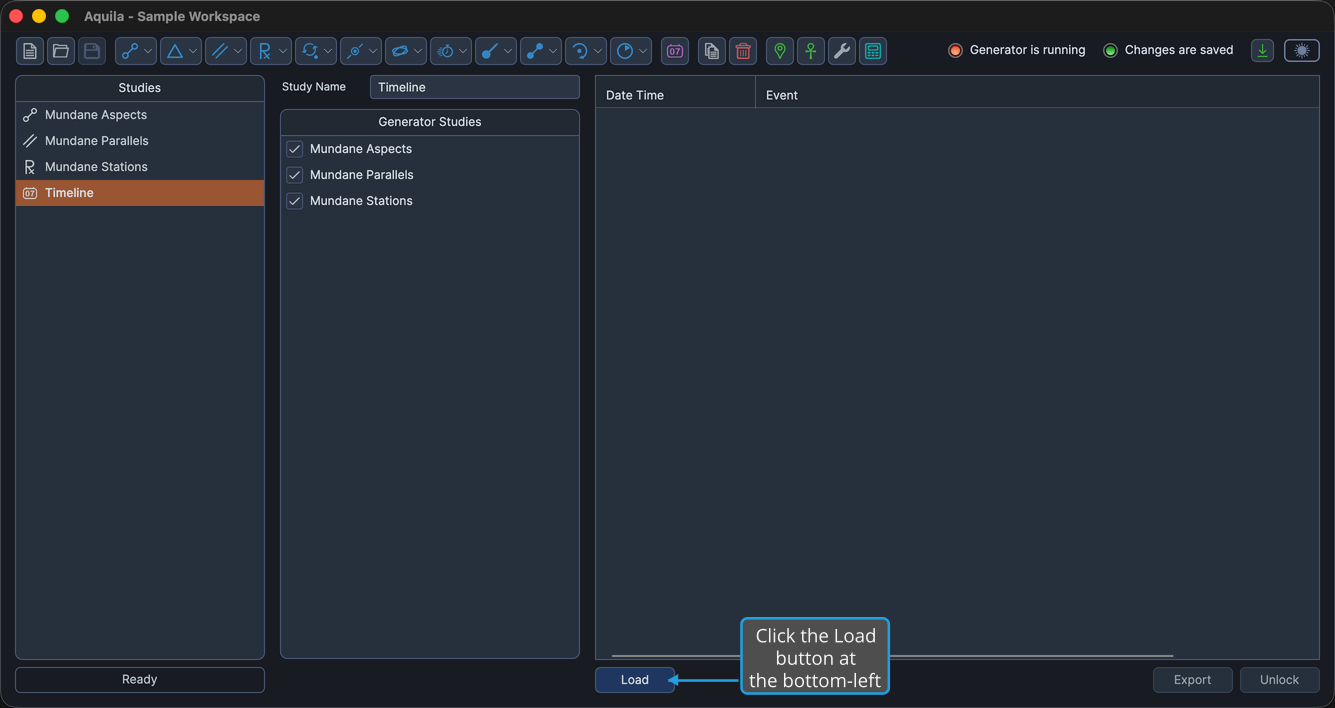
The Load button sits at the bottom-left of the Timeline view and is available while at least one source study is checked in the Generator Studies list and the timeline is unlocked.
Load the Timeline
To merge the selected studies' events into the Timeline table:
- Click the Load button at the bottom-left of the Timeline view.
The Timeline table fills with the merged events in chronological order.
Each source study contributes only the events it has already generated. A generator study whose events have not been generated adds no rows to the timeline. See Generate Events.
What Changes After Loading
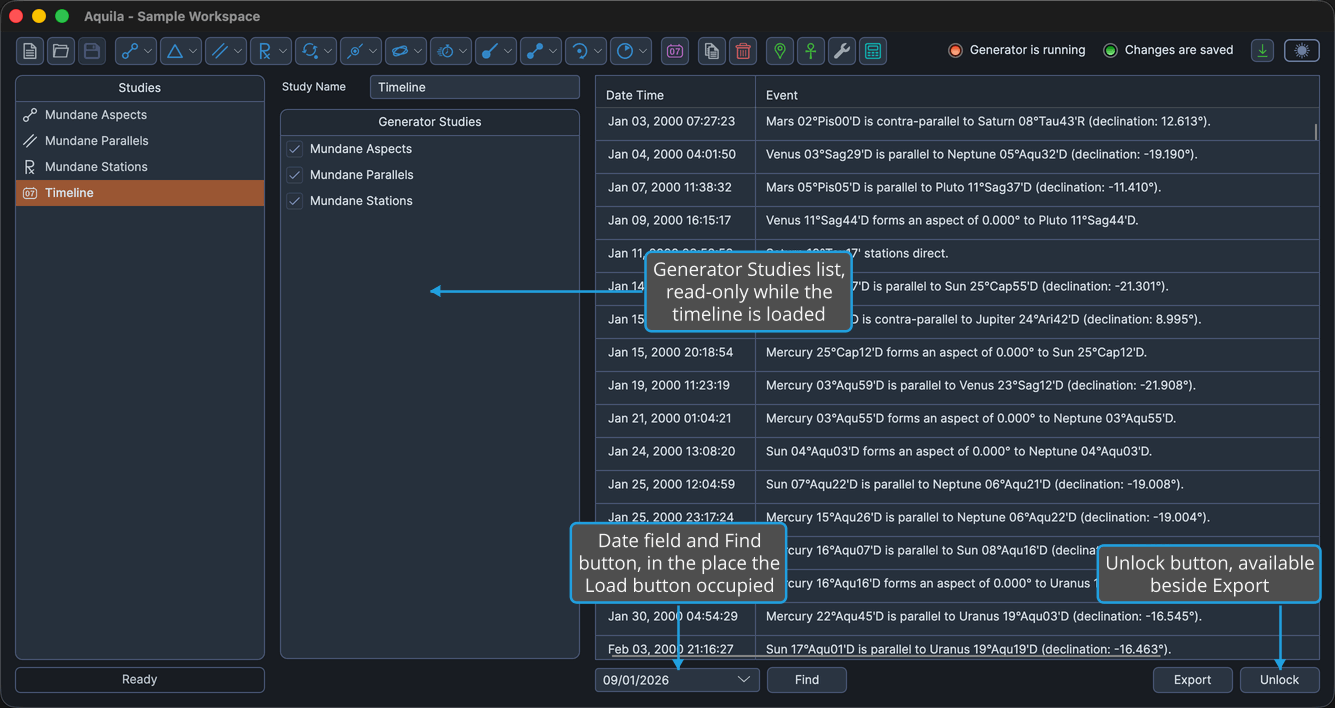
Loading locks the timeline, and three things change at once:
- The Generator Studies list becomes read-only, so the source combination is fixed for as long as the timeline stays loaded.
- The Load button gives way to a date field and a Find button in the same place at the bottom-left.
- The Unlock button becomes available at the bottom-right, beside Export.
The timeline keeps itself current from that point on. Re-generating a source study or deleting one updates the loaded list, so a second Load is not needed to pick up the change. To choose a different combination of source studies, unlock the timeline first.