Export Timeline
A merged chronology is often the artifact worth keeping or circulating, and CSV makes it usable outside Aquila. Export writes the loaded timeline to a CSV file through a save-file prompt, one row per event with its date and time and its description.
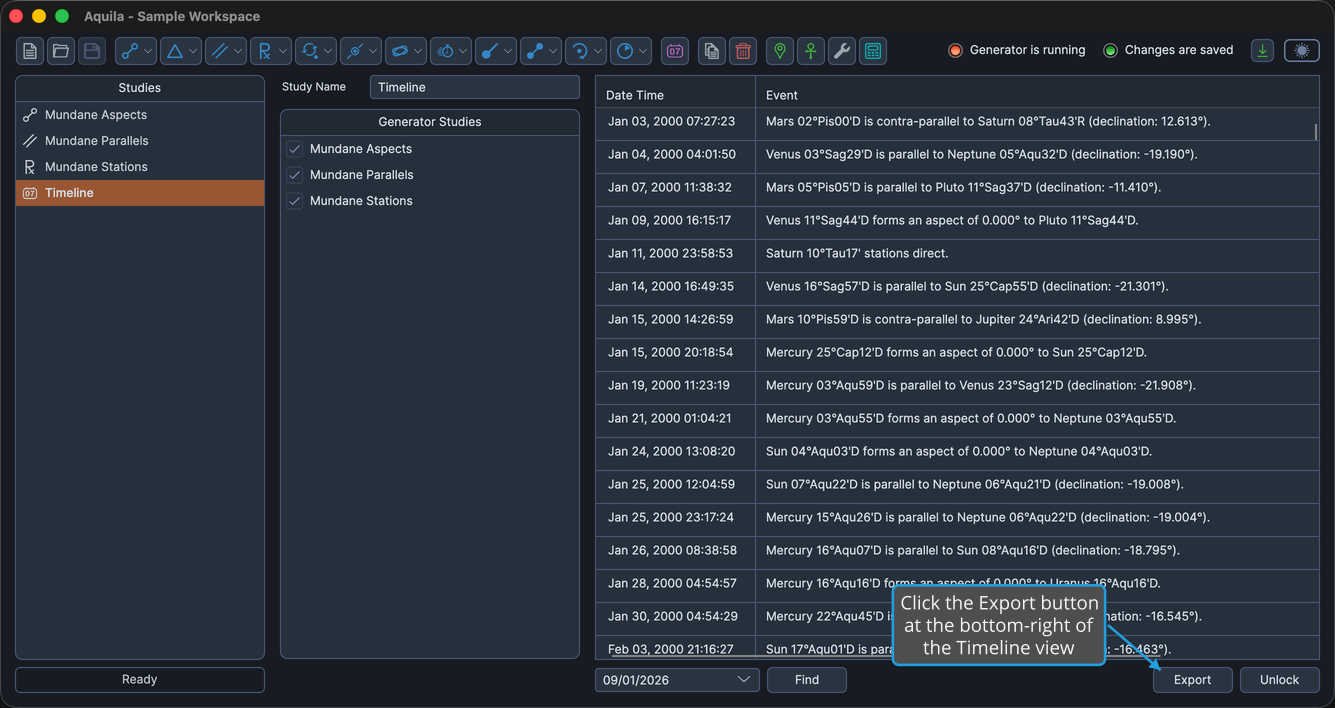
The Export button is at the bottom-right of the Timeline view and is available once the timeline has been loaded.
Export the Timeline to CSV
To write the merged chronology out to a file:
- Click the Export button at the bottom-right of the Timeline view.
- Name the file and pick where to write it, as described in Choose a Destination in the Save File Dialog.
The prompt opens with the study's name already filled in and a .csv extension applied, so accepting the suggested name is usually enough. To back out without writing anything, see Cancel the Save File Dialog.