Update Notification Button
The Update Notification Button alerts you when a newer version of Aquila is available for download.
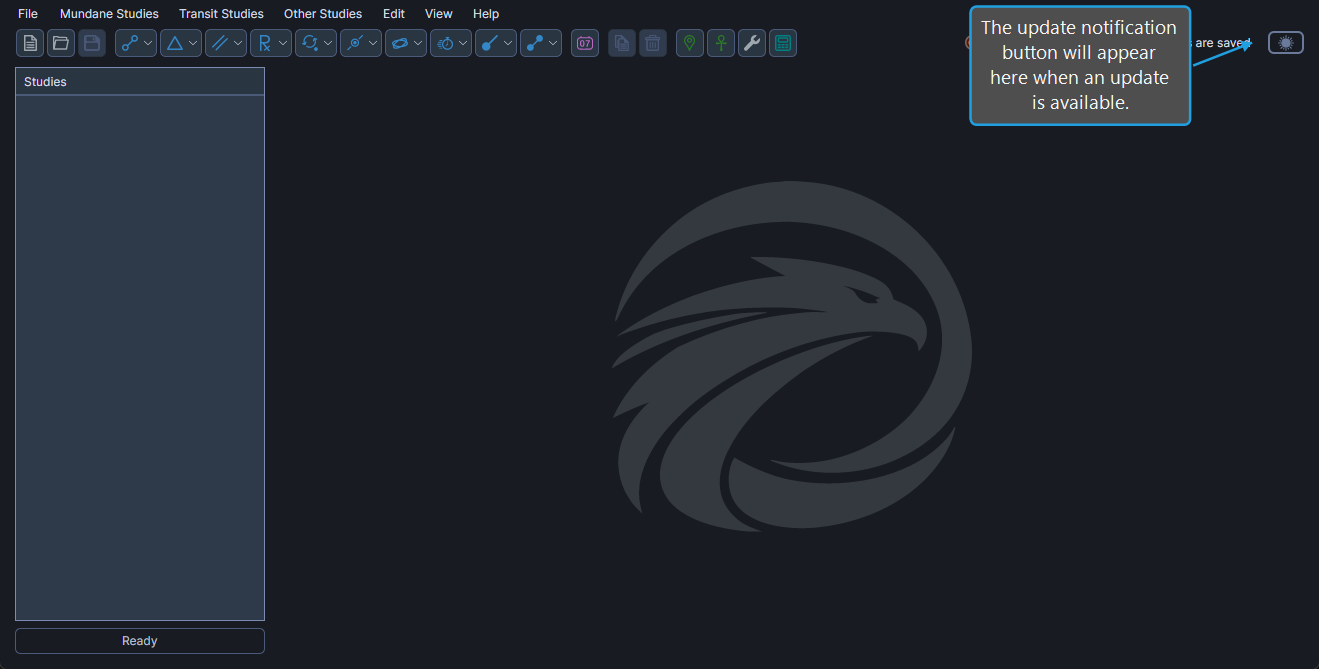
When the Button Is Visible
The Update Notification Button is visible only when an update is available. When visible, it appears in the title bar area, immediately to the left of the Theme Toggle. When no update is available, the button is hidden.
Get the Update
To download the available update:
- Click the Update Notification Button. Aquila opens the download page in your default web browser, where you can download and install the latest version.