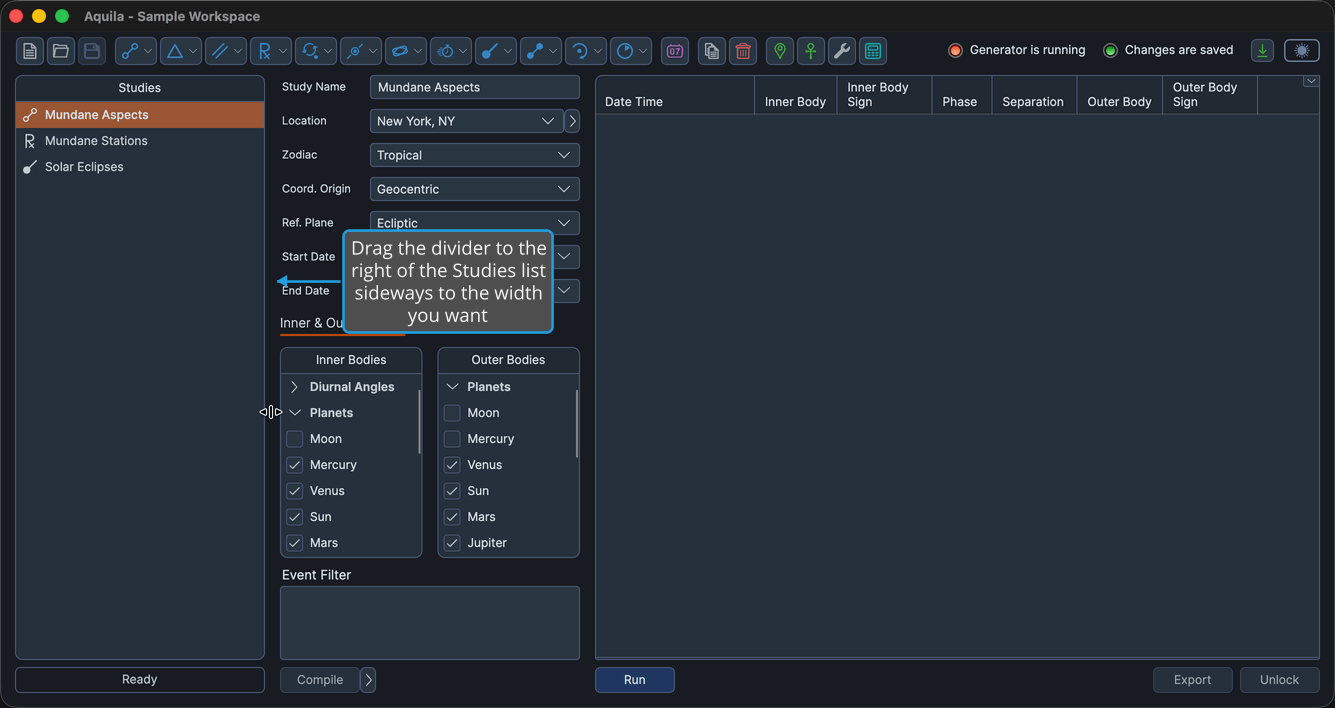
Studies List
The Studies list runs down the left side of the main window under the heading "Studies," naming every study in the open workspace. Each row shows a study-type icon beside the study's name, so a workspace of a dozen studies can be read at a glance.
A workspace usually grows into a set of related studies, one per technique or per variant you are testing. The Studies list is where you keep track of them and move between them; the study you select there fills the content region to the right with its settings and its results.
Select a Study
To bring a study's settings and results into the content region:
- Click a study row in the Studies list.
The clicked study is highlighted in the list, and its view fills the content region. The list holds its contents from the moment a workspace is opened until you add, copy, or delete a study, so the studies stay in view while you work through them one at a time.
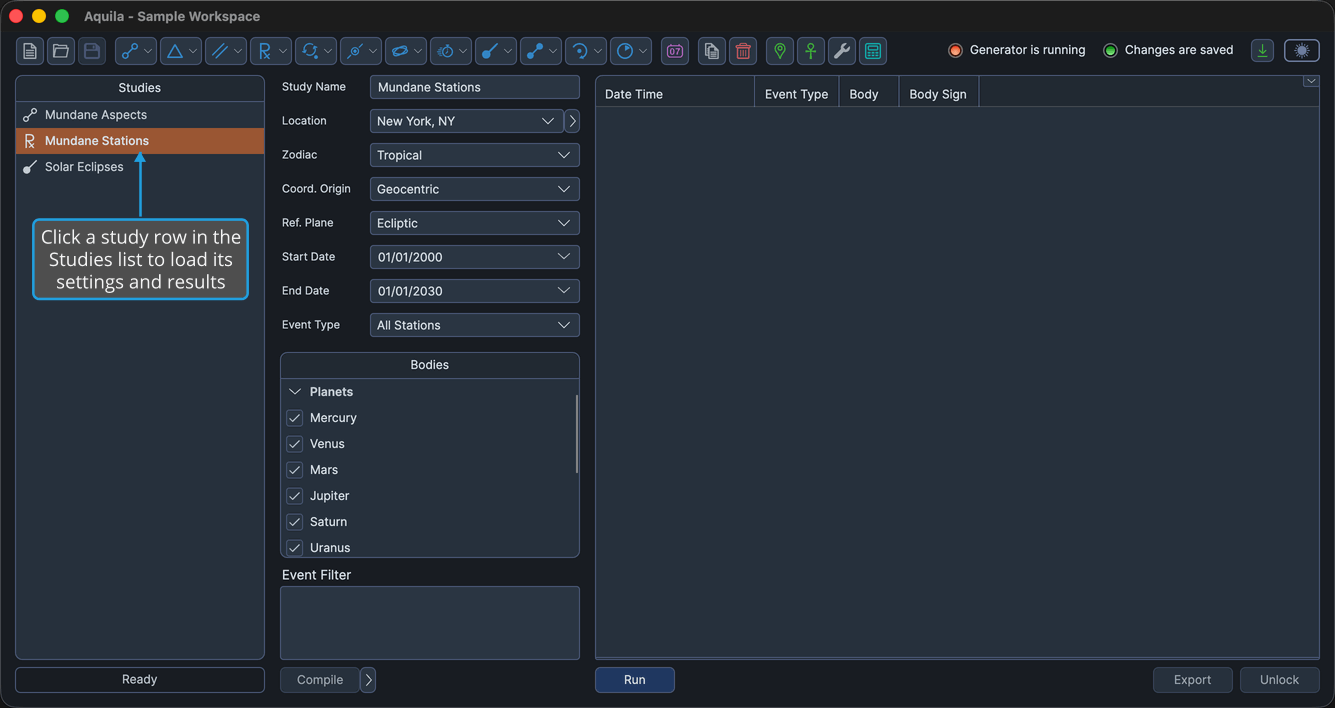
The Studies List Context Menu
Right-clicking a study row opens a short context menu carrying the two commands that act on a single study.
To reach them:
- Right-click a study row in the Studies list.
| Command | Description | Details |
|---|---|---|
| Copy | Duplicates the study, with all of its configuration, and adds the copy to the list. | Copy Study |
| Delete | Removes the study, and any events it has generated, from the workspace. | Delete Study |
Pressing the Delete key while the Studies list has focus runs the same Delete command on the selected study.
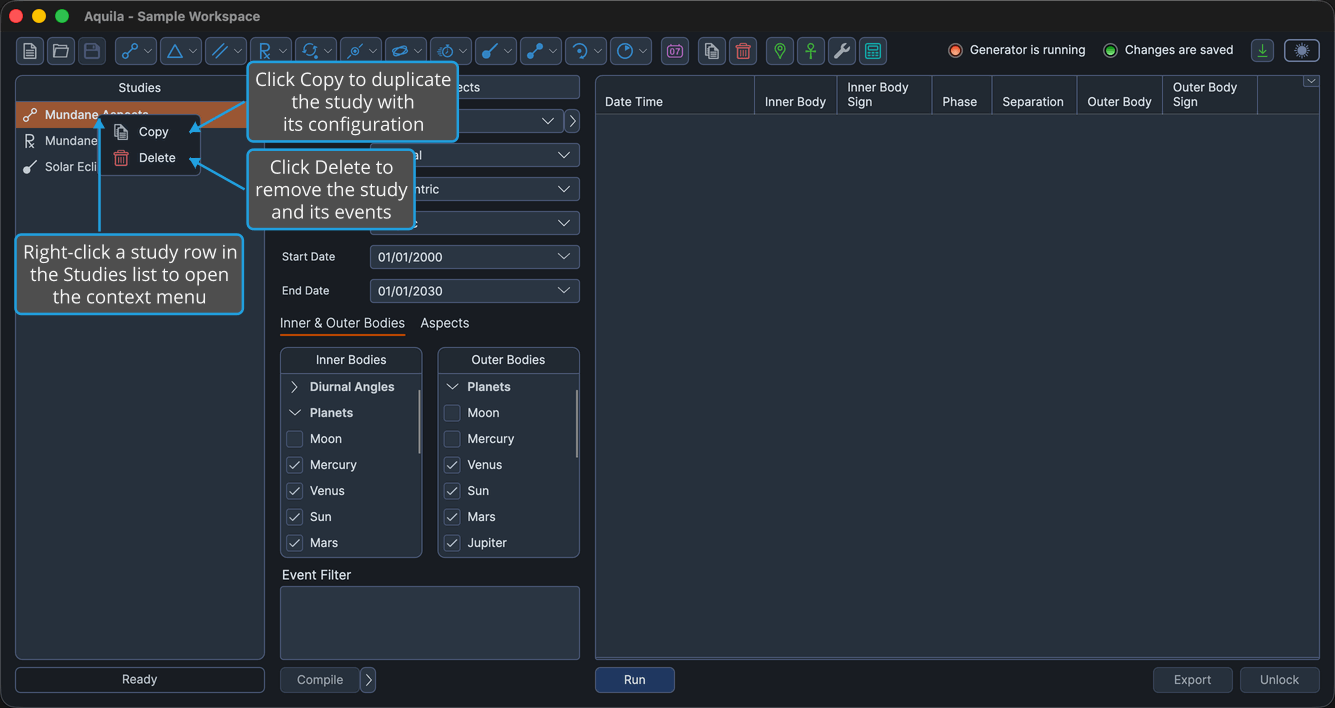
Resize the Panel
Long study names can outrun the default width of the list. A drag handle sits between the Studies list and the content region, and moving it changes how the window's width is shared between the two.
To change the width of the panel:
- Drag the divider to the right of the Studies list sideways to the width you want.
The panel takes the new width, which the layout holds between 200 and 350 pixels.