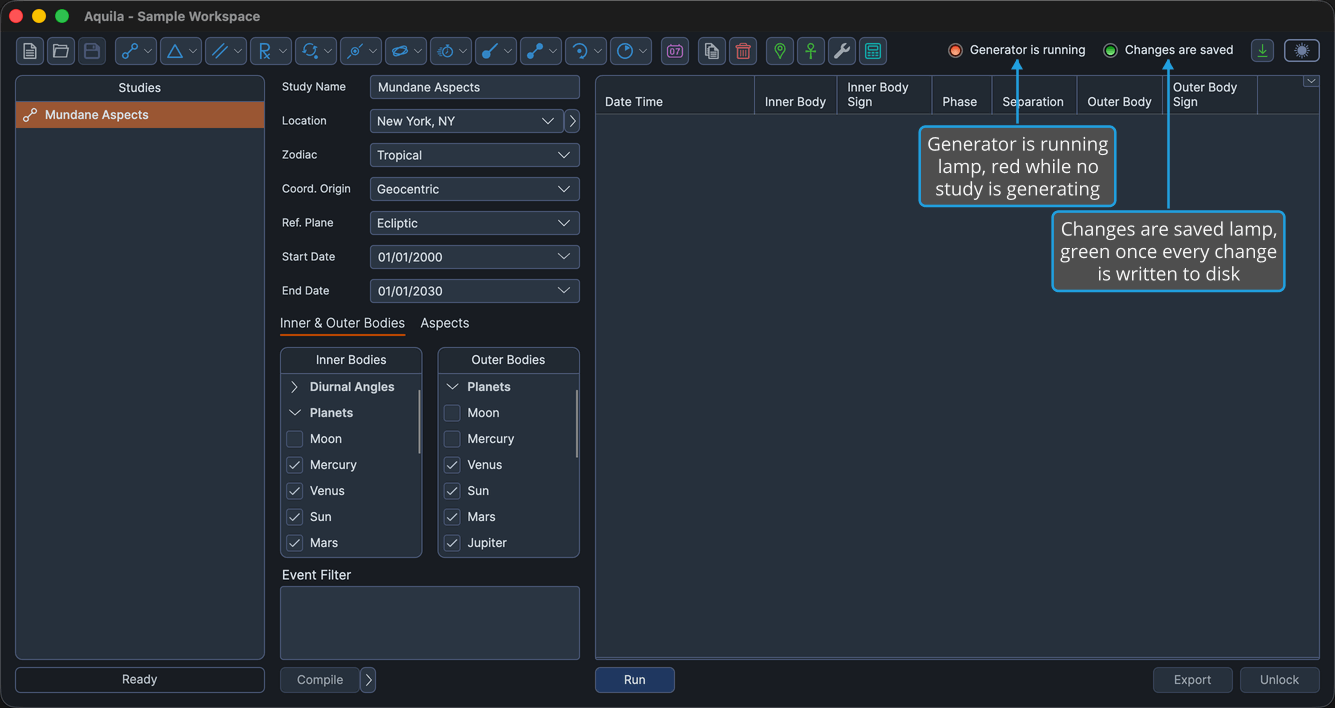
Workspace Status Indicators
Two status lamps sit at the right-hand end of the toolbar row, each with its label as text beside the light. They report whether anything is still running, and whether your work is saved to disk.
Each lamp is green when its statement is true and red when it is false, so the state of the workspace is readable at a glance from anywhere in the application.
| Indicator | Green | Red |
|---|---|---|
| Generator is running | A study somewhere in the workspace is generating events. | No study in the workspace is generating events. |
| Changes are saved | Every change has been written to the .aquila file. | The workspace holds changes that have not been saved. |
Both indicators fade out when the window is narrowed below 1247 pixels, so the toolbar buttons have room. Widen the window to bring them back.
The Generator is running lamp reports on the whole workspace, not only the study you have selected. Because generation runs in the background, you can select another study and carry on configuring it while the first one works; the lamp stays green until the last generation finishes.
The Changes are saved lamp turns red as soon as you change anything the workspace stores, including a study's settings, the order of the Studies list, and the events a study has generated. It turns green again the moment a save completes.