Menu Bar
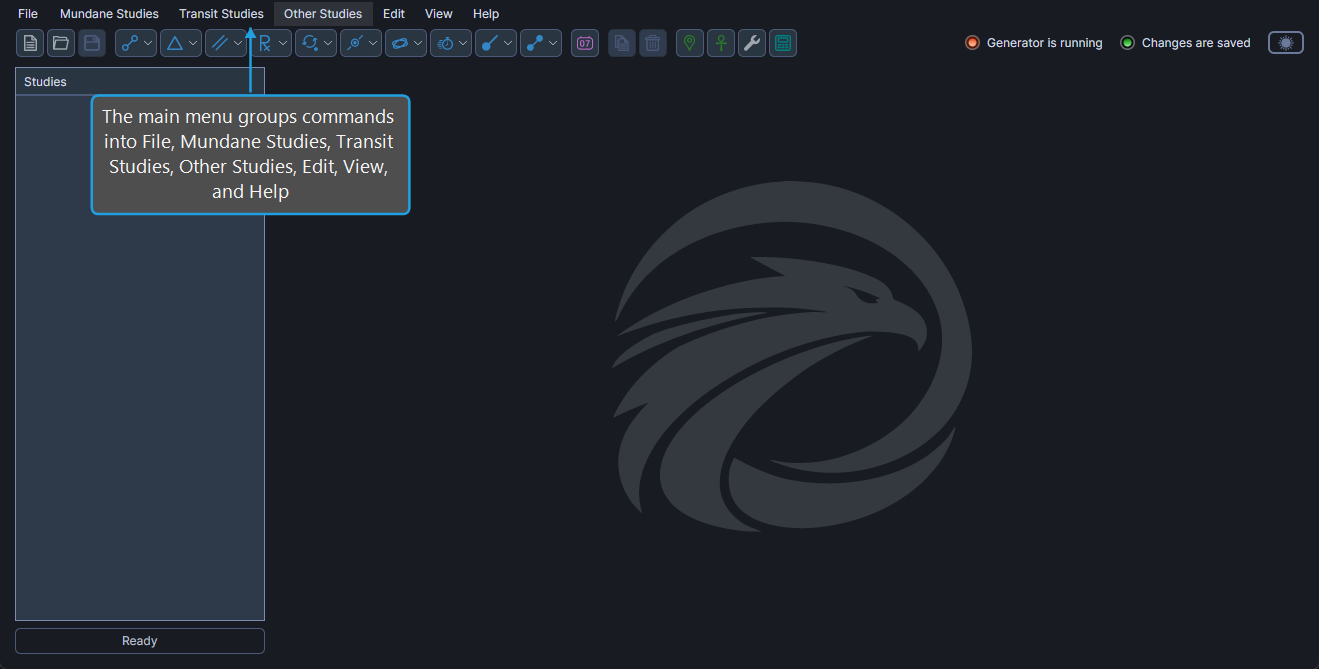
The menu bar runs across the top of the main window and groups Aquila's commands into seven menus: File, Mundane Studies, Transit Studies, Other Studies, Edit, View, and Help. The menu bar is the most discoverable way to find a command, and most commands also have a corresponding shortcut on the Toolbar or a keyboard shortcut.
File Menu
The File menu contains workspace management commands.
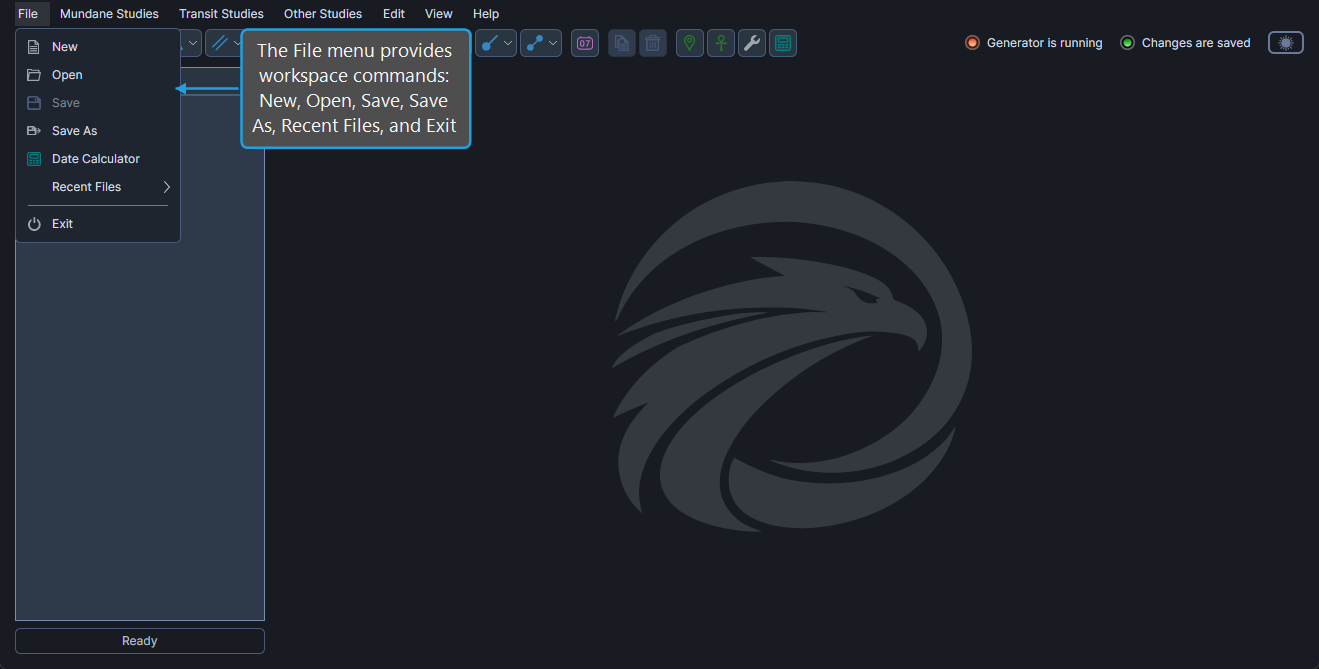
| Command | Description | Details |
|---|---|---|
| New | Create a new empty workspace. | Create New Workspace |
| Open | Open an existing .aquila workspace file. | Open Workspace |
| Save | Save the active workspace to its current file. | Save Workspace |
| Save As | Save the active workspace to a new file. | Save Workspace As |
| Recent Files | Reopen a recently used workspace from a submenu. | Open Recent File |
| Exit | Close the workspace and exit Aquila. | Exit Application |
To open the File menu:
- Click File on the menu bar, or press
Alt+F.
Mundane Studies Menu
The Mundane Studies menu contains submenus for creating new mundane study types.
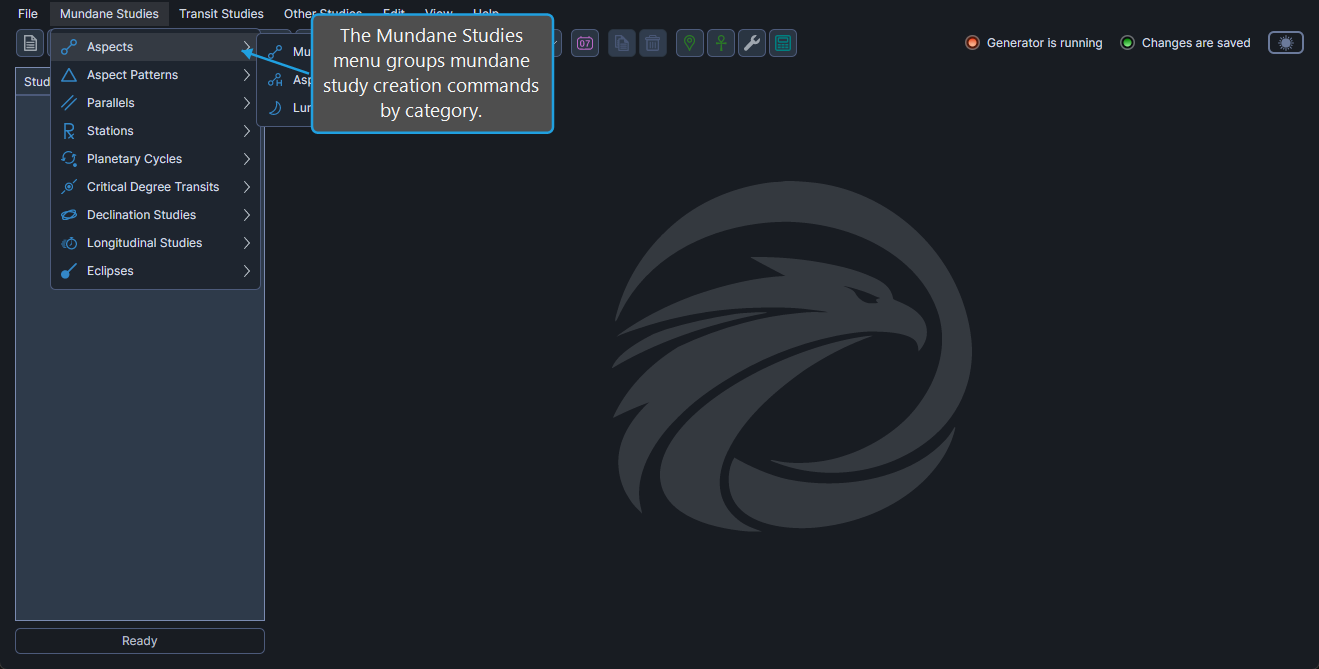
| Submenu | Study types in the submenu | Details |
|---|---|---|
| Aspects | Mundane Aspects, Aspect Hotspots, Lunar Phases. | Mundane Aspect Studies |
| Aspect Patterns | Grand Trines, Stelliums, T-Squares, Yods. | Aspect Pattern Studies |
| Parallels | Mundane Parallels, Balanced Parallels, Midpoint Parallels. | Mundane Parallel Studies |
| Stations | Mundane Stations, Retrograde Cycles, Station Hotspots. | Mundane Station Studies |
| Planetary Cycles | Inferior Planetary Cycles, Superior Planetary Cycles. | Planetary Cycle Studies |
| Critical Degree Transits | Hotspot Transits, Sign Ingresses. | Mundane Ingress Studies |
| Declination Studies | Nodal Transits, Latitude Extrema, Solar Limit Transits, Heliacal Phenomenon. | Declination Studies |
| Longitudinal Studies | Speed Extrema, Maximum Elongations, Mundane Arcs. | Longitudinal Studies |
| Eclipses | Solar Eclipses, Solar Eclipse Hotspots, Lunar Eclipses, Lunar Eclipse Hotspots. | Eclipse Studies |
To open the Mundane Studies menu:
- Click Mundane Studies on the menu bar, or press
Alt+M.
Transit Studies Menu
The Transit Studies menu lists every study type that involves a natal record.
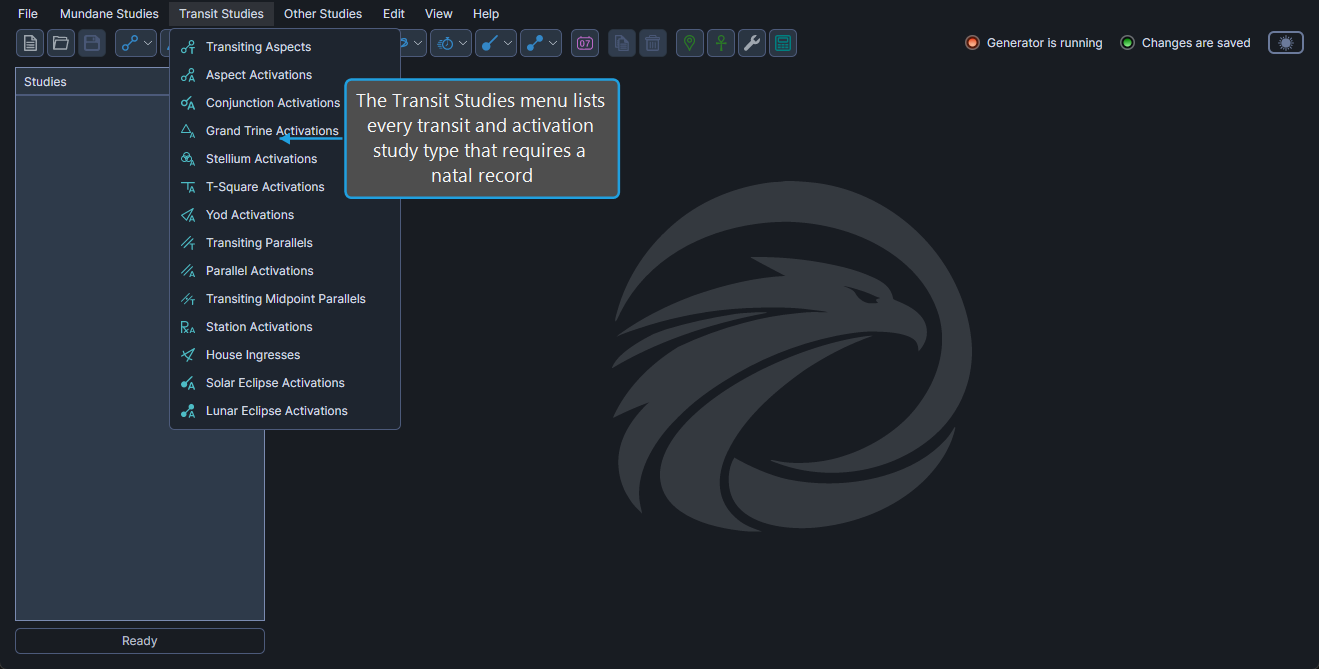
| Command | Description | Details |
|---|---|---|
| Transiting Aspects | Aspects from transiting bodies to natal bodies. | Transiting Aspects Study |
| Aspect Activations | Mundane aspects that activate a natal body. | Aspect Activations Study |
| Conjunction Activations | Conjunctions of two transiting bodies that aspect a natal body. | Conjunction Activations Study |
| Grand Trine Activations | Grand Trines that activate a natal body. | Grand Trine Activations Study |
| Stellium Activations | Stelliums that activate a natal body. | Stellium Activations Study |
| T-Square Activations | T-Squares that activate a natal body. | T-Square Activations Study |
| Yod Activations | Yods that activate a natal body. | Yod Activations Study |
| Transiting Parallels | Parallels and contraparallels from transiting bodies to natal bodies. | Transiting Parallels Study |
| Parallel Activations | Mundane parallels that activate a natal body. | Parallel Activations Study |
| Transiting Midpoint Parallels | Midpoint parallels with the midpoint conjunct a natal body. | Transiting Midpoint Parallels Study |
| Station Activations | Stations that occur conjunct a natal body. | Station Activations Study |
| House Ingresses | Transits across natal house cusps. | House Ingresses Study |
| Solar Eclipse Activations | Solar eclipses that aspect a natal body. | Solar Eclipse Activations Study |
| Lunar Eclipse Activations | Lunar eclipses that aspect a natal body. | Lunar Eclipse Activations Study |
To open the Transit Studies menu:
- Click Transit Studies on the menu bar, or press
Alt+T.
Other Studies Menu
The Other Studies menu contains study types that are neither mundane nor transit-based.
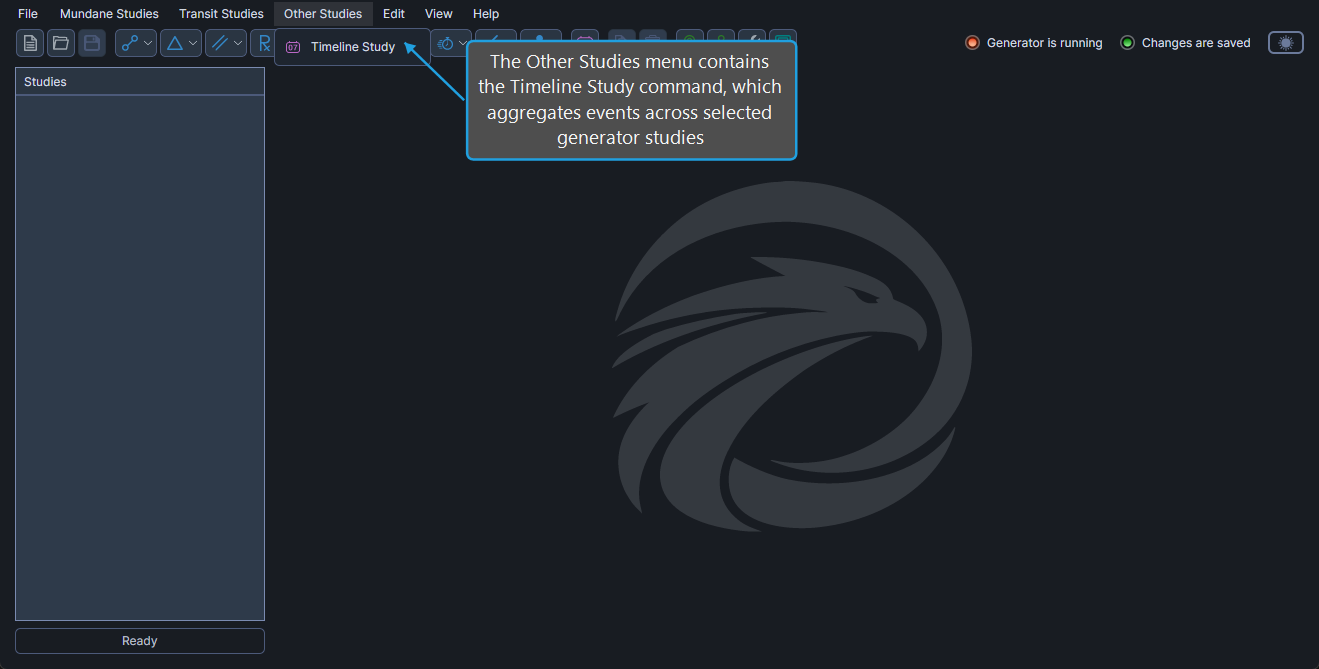
| Command | Description | Details |
|---|---|---|
| Timeline Study | Aggregate events from any selection of generator studies into a single chronological view. | Timeline Study |
To open the Other Studies menu:
- Click Other Studies on the menu bar, or press
Alt+O.
Edit Menu
The Edit menu contains study management commands and access to the reference data editors.
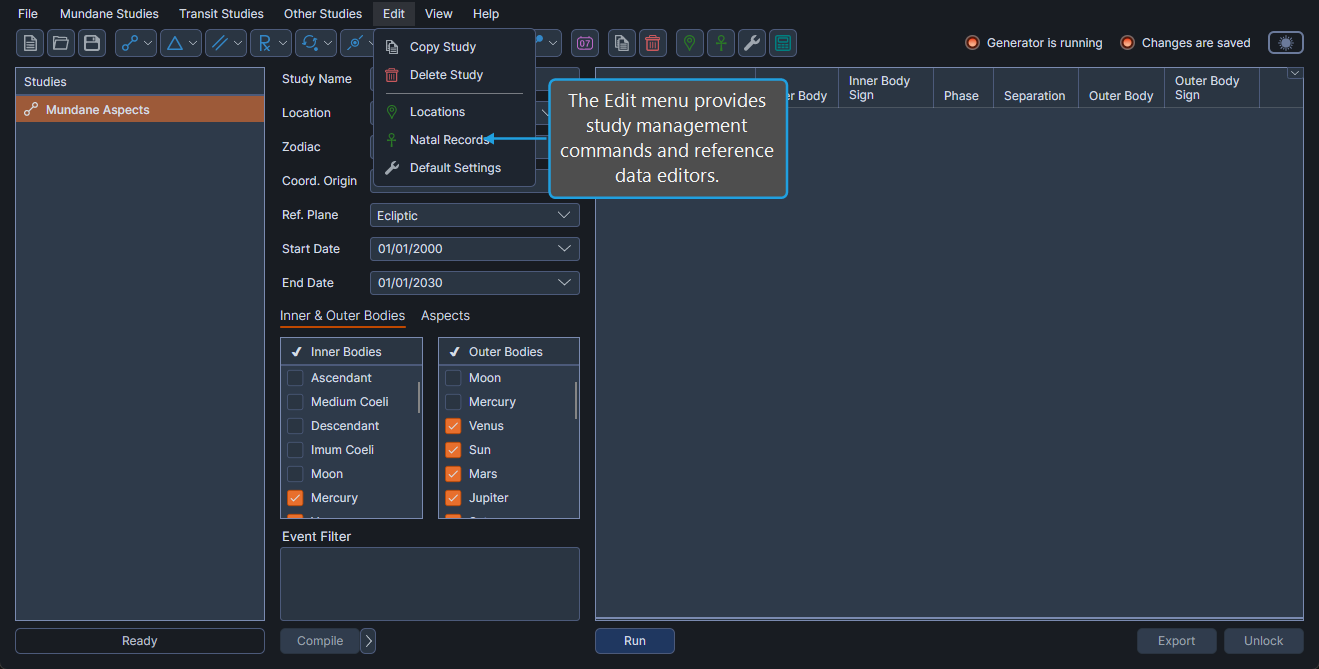
| Command | Description | Details |
|---|---|---|
| Copy Study | Duplicate the selected study. | Copy Study |
| Delete Study | Remove the selected study from the workspace. | Delete Study |
| Locations | Open the Locations Editor. | Locations Editor |
| Natal Records | Open the Natal Records Editor. | Natal Records Editor |
| Default Settings | Open the Default Settings Editor. | Default Settings Editor |
To open the Edit menu:
- Click Edit on the menu bar, or press
Alt+D.
View Menu
The View menu contains visual options.
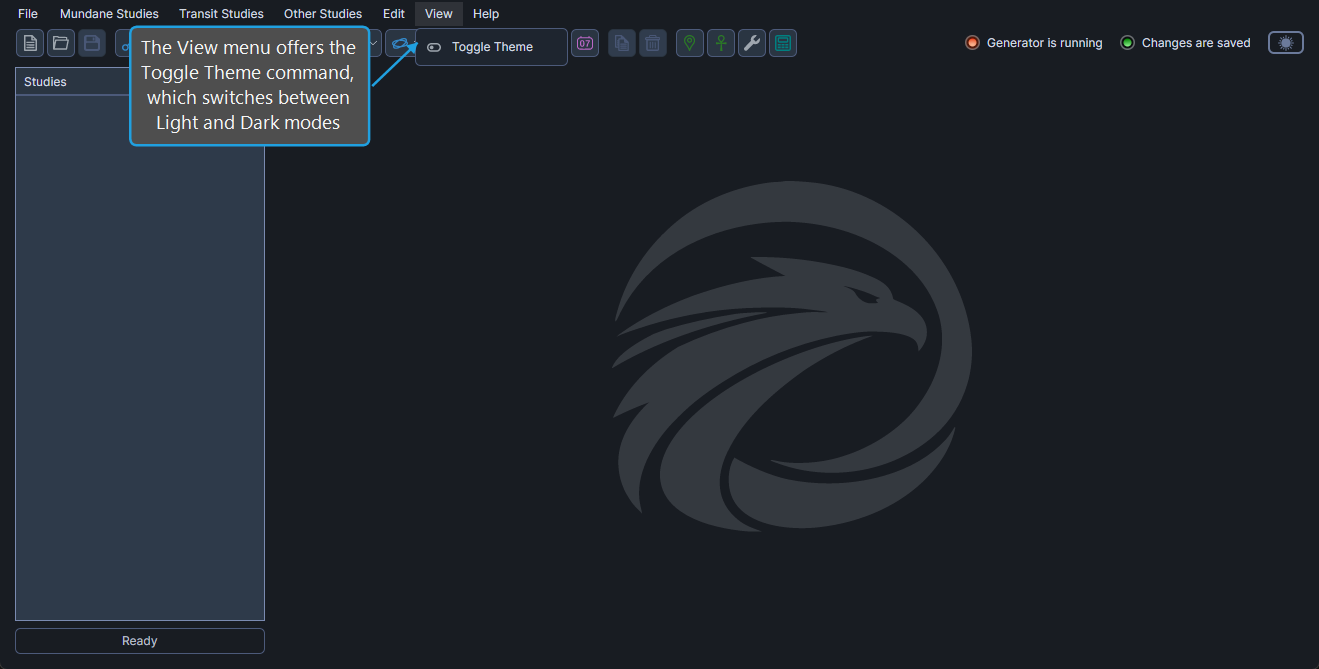
| Command | Description | Details |
|---|---|---|
| Toggle Theme | Switch between light and dark theme. | Theme Toggle |
To open the View menu:
- Click View on the menu bar, or press
Alt+V.
Help Menu
The Help menu contains the About dialog and a link to the online documentation.
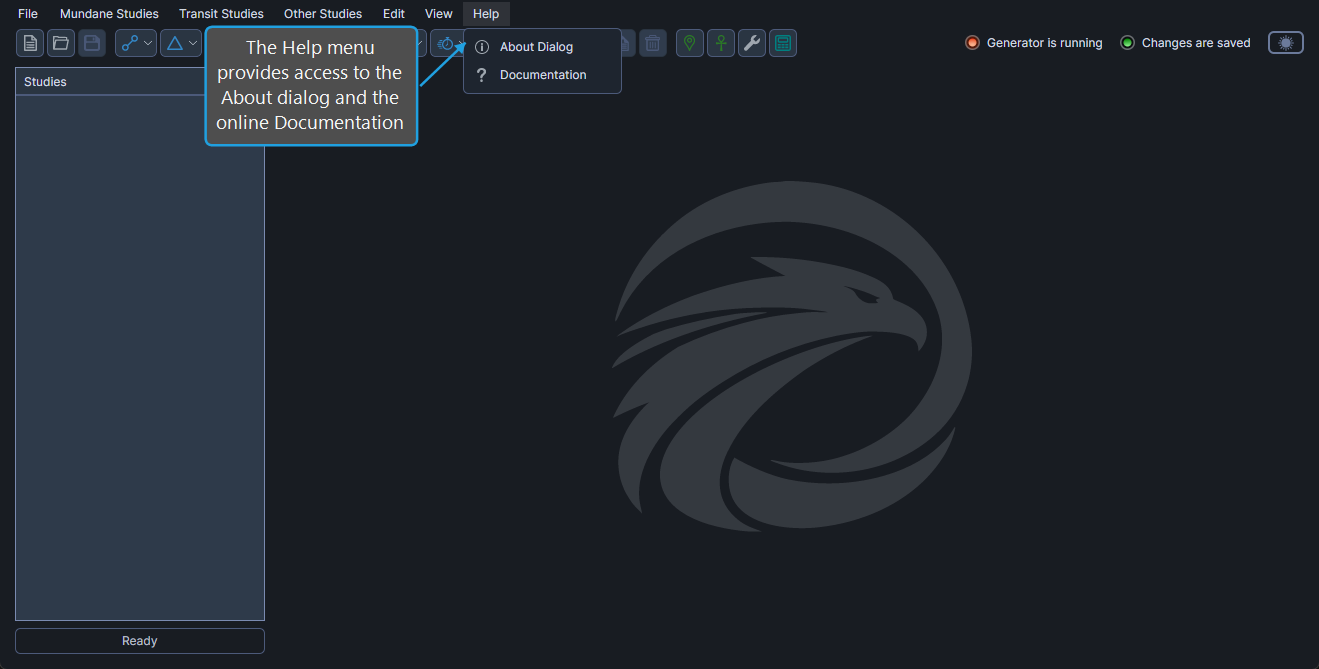
| Command | Description | Details |
|---|---|---|
| About Dialog | Display version, license, and build information. | About Dialog |
| Documentation | Open the online documentation in your default browser. | Open Documentation |
To open the Help menu:
- Click Help on the menu bar, or press
Alt+H.