Add Location
The Add button in the Locations Editor appends a new blank row to the locations table, ready for you to enter a name, latitude, longitude, and height.
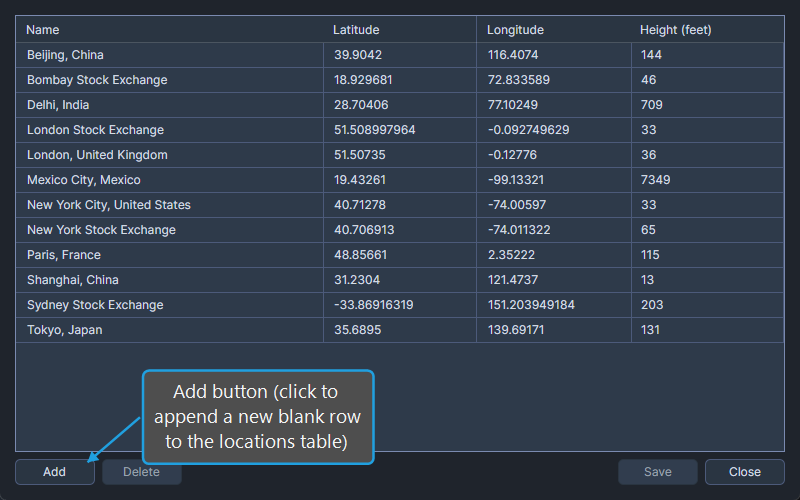
Add a New Location
To add a new location to the database:
- Click the Add button.
A new empty row is added to the locations table. Click each cell of the new row in turn to enter the name, latitude, longitude, and height. Save the new location by clicking the Save button.