Delete Natal Records
The Delete button in the Natal Records Editor removes the selected record rows from the natal records table.
Delete Selected Natal Records
To remove one or more records from the database:
- Click a row in the Natal Records table to select it.
- Click the Delete button.
- Click Yes to confirm the deletion.
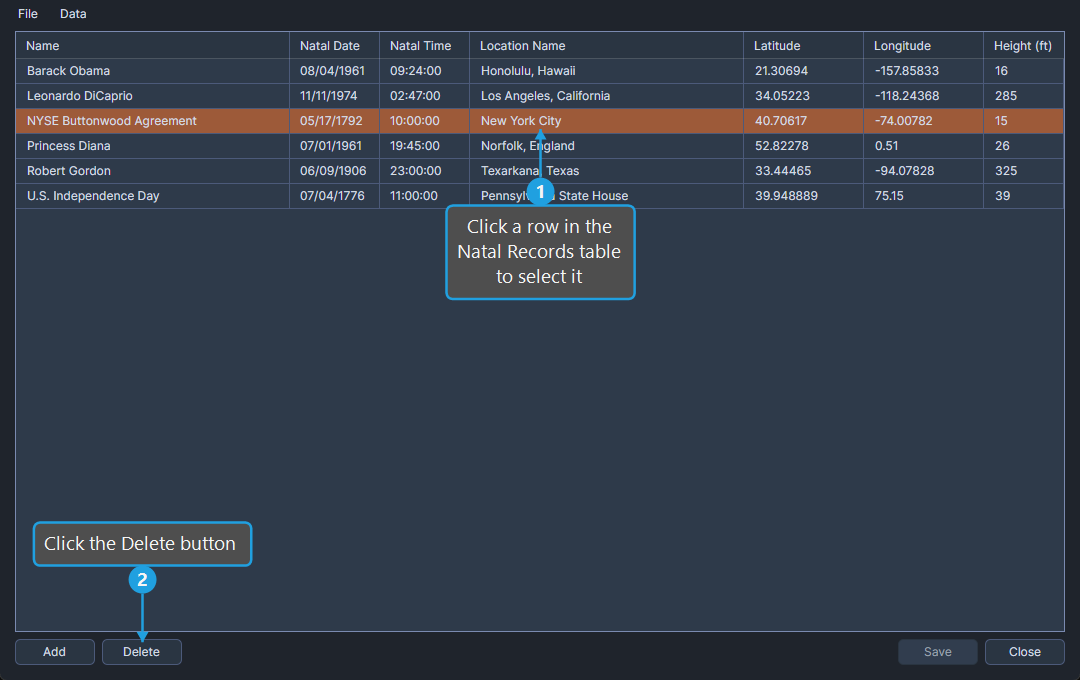
The selected rows are removed from the table. The deletion becomes permanent only after you click Save.