Delete Locations
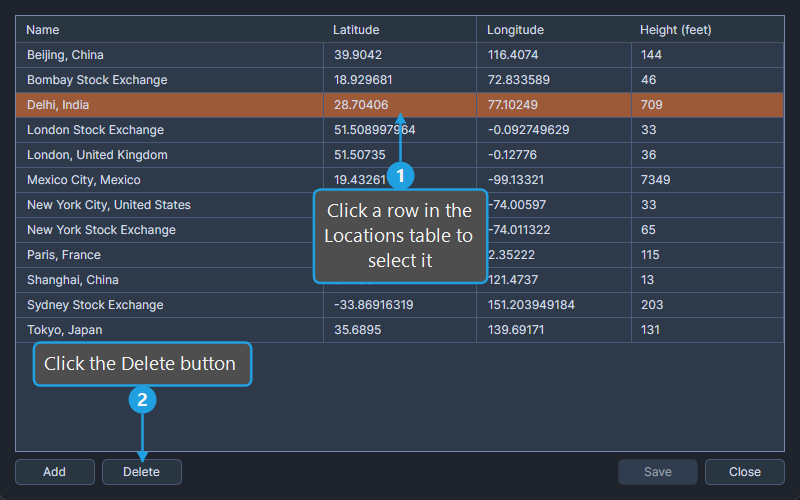
The Delete button in the Locations Editor removes the selected location rows from the locations table.
Delete Selected Locations
To remove one or more locations from the database:
- Click a row in the Locations table to select it.
- Click the Delete button.
- Click Yes to confirm the deletion.
The selected rows are removed from the table. The deletion becomes permanent only after you click Save.
caution
Deleting a location does not affect studies that already reference it, but new studies and existing studies edited later will not be able to reselect the deleted location. Save your locations after deleting only when you are sure you no longer need them.