Save Locations
The Save button in the Locations Editor persists every addition, edit, and deletion in the locations table to the locations database file. Until you save, changes exist only in memory and are lost if the editor is closed without saving.
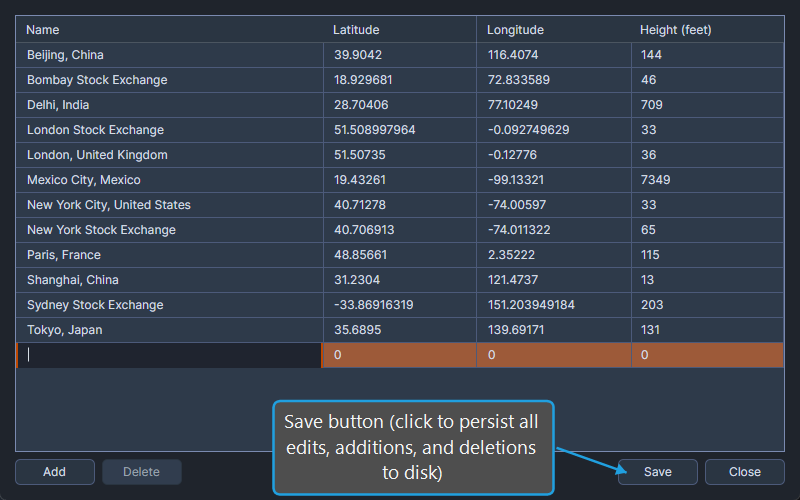
Save Changes to the Locations Database
To save the changes you have made in the Locations Editor:
- Click the Save button.
All edits, additions, and deletions are written to disk. The dirty indicator clears, confirming that the database matches the editor's contents.