Clear the Directions List
Clear the directions list to start it over and stop it recalculating automatically. Click Clear beneath the directions list on a Primary Directions, Solar Arc Directions or Secondary Progressions chart.
Clear the Directions List
Before you start, open a Primary Directions, Solar Arc Directions or Secondary Progressions chart.
To start the list over:
- Click the Clear button beneath the directions list.
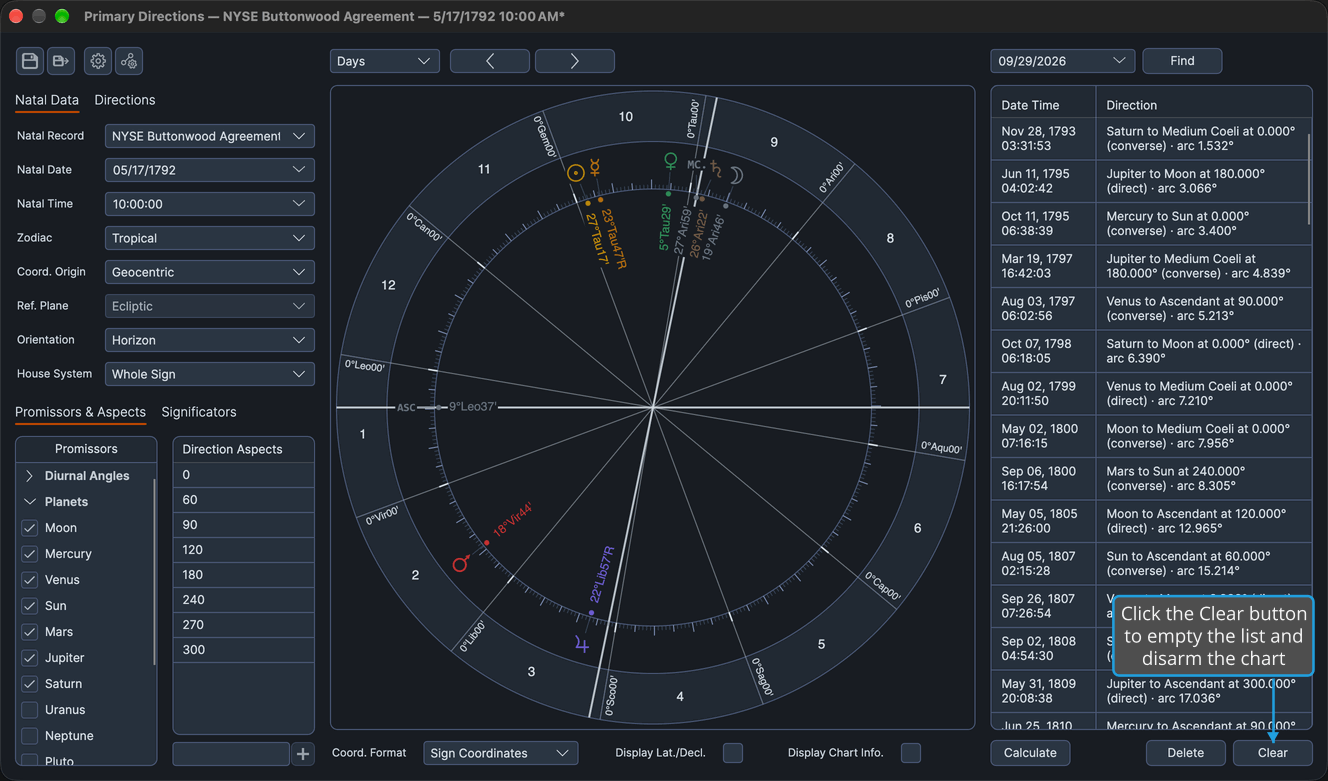
No confirmation is asked.
What Clear Does
Clearing does three things, even when the list is already empty:
- It empties the directions list.
- It disarms a chart that Calculate Directions armed, so the list no longer recalculates on its own.
- It forgets the rows you removed while the chart was armed.
On a chart saved to a file whose list held rows, emptying the list is an unsaved change: the chart differs from its file until you save it again (see Save Chart).