Record Count
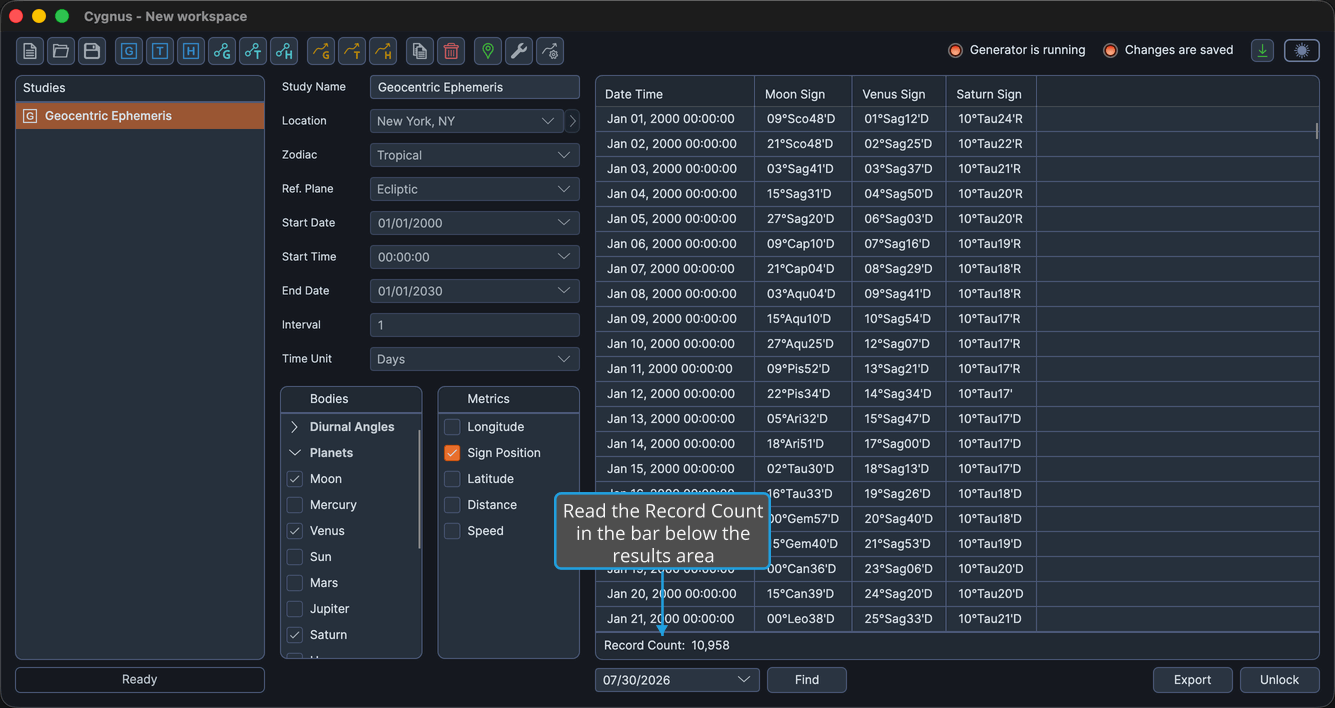
The record count is a thin bar directly beneath the results area that reports how many records the generation produced. It is the quickest confirmation that the date range and interval you set gave you the volume of data you expected.
Check the Record Count
To check how much data a study produced:
- Read the count in the bar below the ephemeris table or graph.
The bar fades in when the generation completes and fades out again when you unlock the study for another generation.
What the Label Reads
| Study family | Label | Why |
|---|---|---|
| The six tabular studies | Record Count: | Their output is a table of records. |
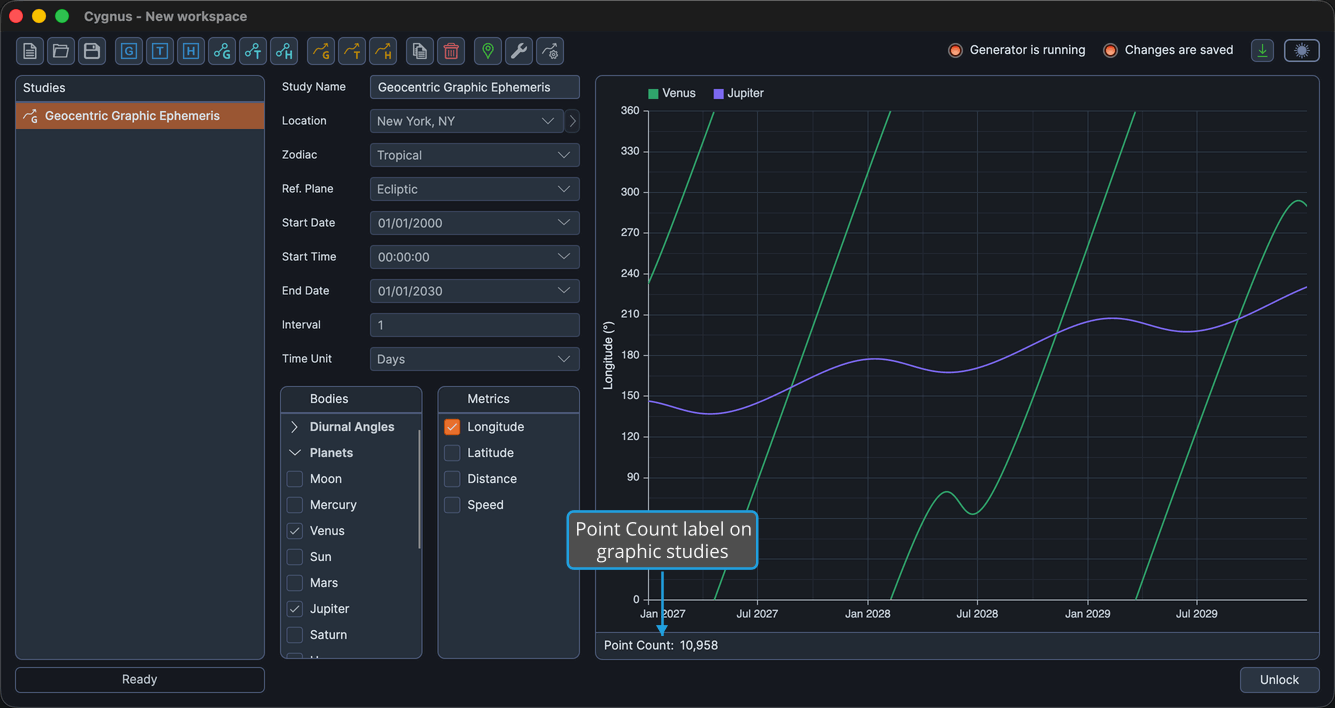
| The three graphic studies | Point Count: | Their output is plotted samples rather than tabulated records. |
tip
The count is worth a glance whenever a generation finishes sooner or later than you expected. A span of one year at an interval of 1 day should produce about 365 records; a count far from that usually means the interval or the end date is not what you intended. See Ephemeris Date Range.